Heos Transitions
A downloadable tool
Heos Transitions is a collection of animated transition effects for Aseprite that generates frame by frame animations directly from your artwork.
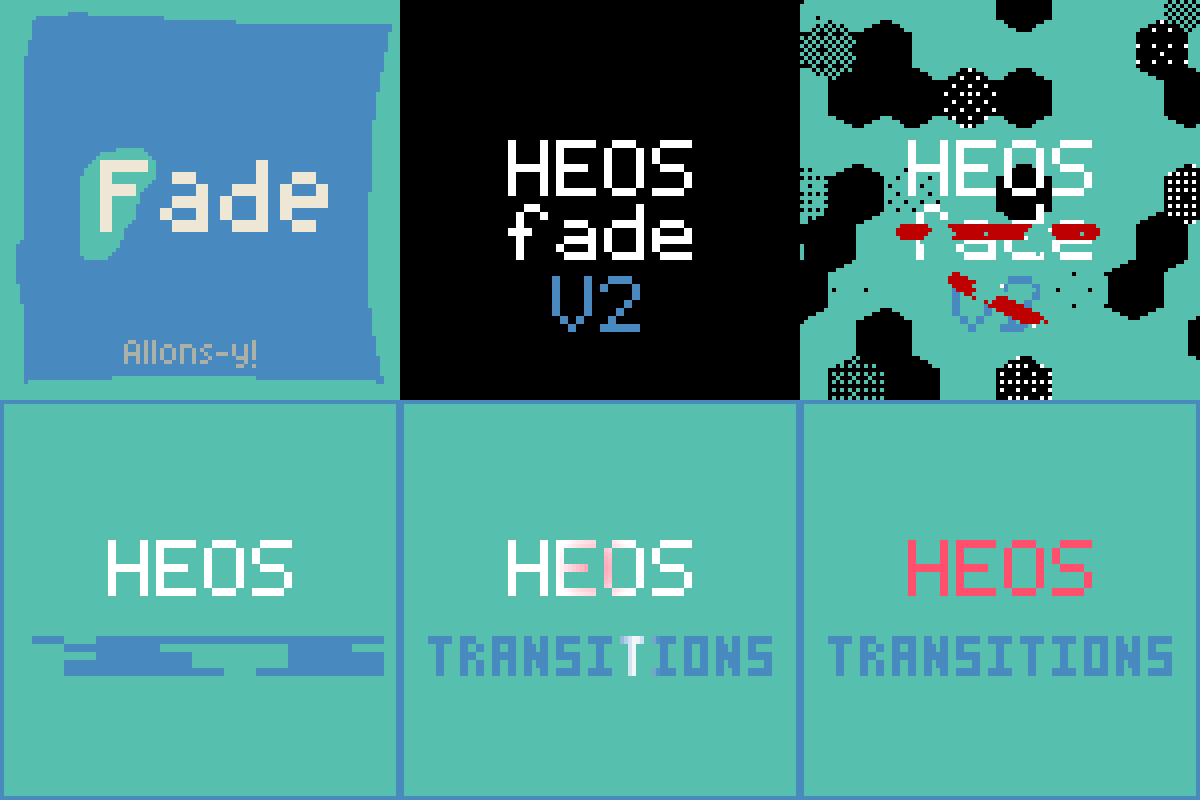
Create wipes, dissolves, glitches, zooms, pixelation, radial reveals, fades, distortions, and many other transitions without manually editing every frame. Every effect is fully procedural, configurable, and generated on a dedicated layer so your original artwork always stays safe.
Examples












Workflow
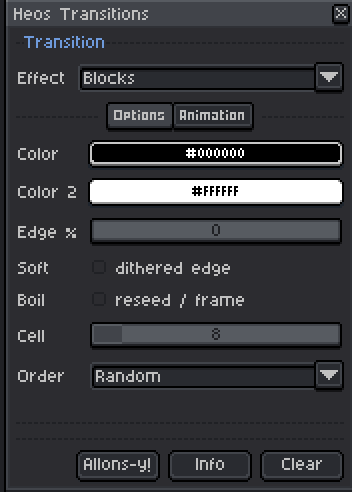
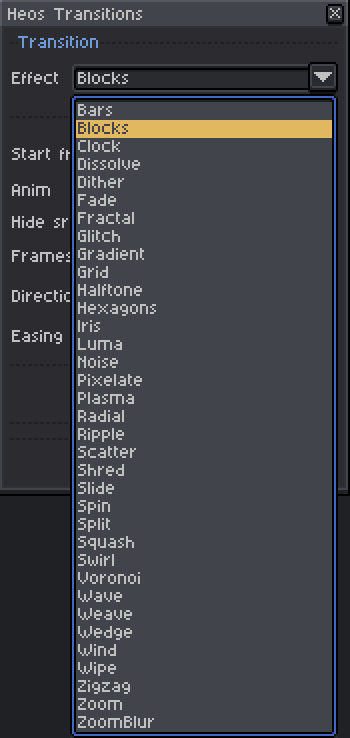
1. Choose an effect: Select one of more than thirty transition styles.
2. Adjust the parameters: Every effect only displays the controls it actually uses.
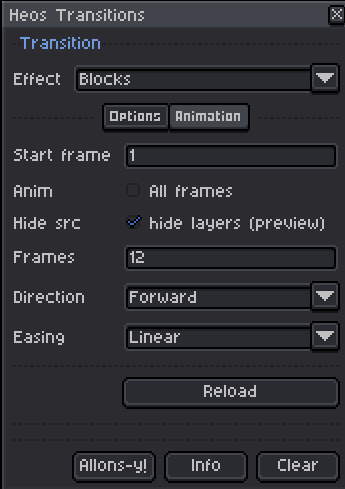
3. Set the animation: Choose the frame count, direction and easing curve, or generate directly over an existing animation.
4. Generate: The transition is rendered automatically on its own layer.
Features
More than 30 transition effects: Wipes, fades, dissolve, glitches, zooms, pixelation, ripples, wind, swirl, blocks, hexagons, plasma, gradients, clocks, radial effects and many more.
Advanced easing: Linear, Ease In, Ease Out, Ease In-Out, Cubic variants, Smoothstep, Sine and Bounce curves control how every transition evolves over time.
Forward, Reverse and Ping-Pong: Every transition can play in both directions or automatically return to its starting point.
Selection aware: Active selections limit the transition to the selected pixels only.
Non destructive workflow: All generated frames are placed on a dedicated Heos_Transitions layer, leaving your original artwork untouched.
Animation mode: Generate transitions over existing animations or automatically create new frames when needed.
Smart interface: Parameters appear only when they are relevant for the selected effect, keeping the interface clean and easy to use.
Compatibility
Requires Aseprite 1.3.x or later. Most effects require RGB color mode. Pixelate also supports Indexed and Grayscale sprites, with some blending modes available only in RGB.
Tips
Most transitions work especially well when combined with easing curves. Try Bounce for energetic effects, Ease In-Out for cinematic scene changes, or Ping-Pong to create seamless looping animations.
Because every transition is generated on its own layer, you can freely edit, blend, mask or combine multiple effects without affecting your original artwork.
Feedback & Support
I love seeing how you use Heos Transitions in your projects. If you have questions, ideas, or just want to share what you've made, feel free to leave a comment or reach out directly. It's always great to see your work in action.

If you found this tool useful, taking a moment to leave a rating really helps. Thanks for the support.
Purchase
In order to download this tool you must purchase it at or above the minimum price of $2.99 USD. You will get access to the following files:
Development log
- Heos Fade is now... Heos Transitions14 days ago
Leave a comment
Log in with itch.io to leave a comment.