Heos Bounce
A downloadable tool
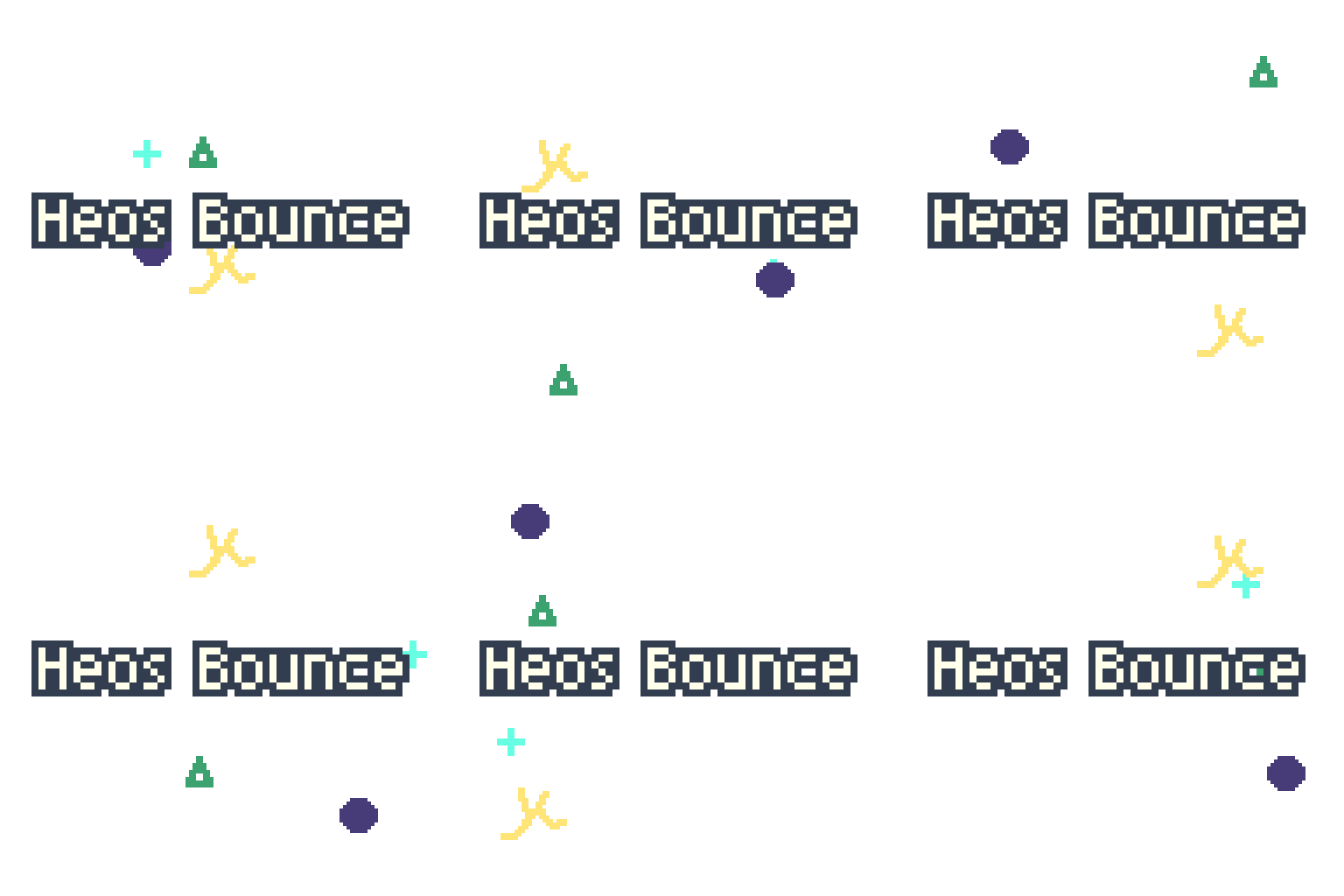
Turn any opaque objects drawn on frame 1 of your active layer into a bouncing animation inside the canvas bounds (or inside a selection). The script never modifies the original layer and generates a new Bounce layer with the full animation.
What it does
- Automatically detects connected groups of opaque pixels (objects) on frame 1 of the selected layer.
- Assigns random horizontal and vertical speeds within your chosen range.
- Objects bounce against the canvas edges or the edges of the active selection.
- Generates an animation sequence (configurable duration) on a
Bouncelayer. - One‑click Clear button removes the generated animation.
Features
- Non‑destructive – reads the original layer but never writes on it.
- Selection aware – draw a rectangular selection to confine bouncing inside that area (perfect for boxes, screens, or platforms).
- Random per‑axis speed – each object gets independent
vxandvybetween your min/max values. - Multi‑object support – works with complex shapes and multiple separate objects.
- Duration control – from 1 to 256 frames.
- Auto‑managed
Bouncelayer – created if missing, cleaned before each generation.
How to use
- On frame 1 of your sprite, draw one or several opaque objects (any color, alpha > 0) on the layer you want to use as source.
- (Optional) Make a rectangular selection to limit the bounce area.
- Run the script (File > Scripts > Heos Bounce).
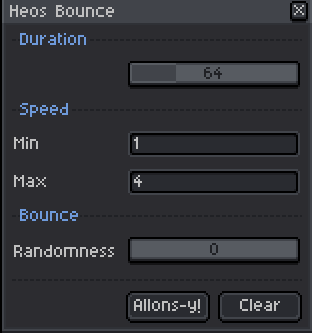
- Adjust duration and speed range.
- Click Allons‑y! – the script creates/updates the
Bouncelayer and generates the animation. - Click Clear to remove the
Bouncelayer content.
Parameters explained
| Parameter | What it does |
|---|---|
| Duration | Total number of frames of the animation. Each frame updates object positions. |
| Speed Min/Max | Speed range (pixels per frame) for each object and each axis. The script randomly picks a positive or negative value between these limits for vx and vy separately. E.g., min=1, max=4 → speeds like -2.3, 1.7, -3.9, etc.
|
Note: Objects bounce by flipping the corresponding velocity component (like a ball inside a box).
Example use cases
- Raindrops inside a window (selection = inner frame).
- Bouncing balls on a court.
- Balloons or bubbles moving inside a confined area.
- Multiple enemies wandering randomly inside a room.
Requirements
- Aseprite 1.3 or newer.
💬 Feedback & Support
I love seeing how you use Heos Bounce in your projects. If you have questions, ideas, or just want to share what you’ve made, feel free to leave a comment or reach out directly. It’s always great to see your work in action.

If you found this tool useful, taking a moment to leave a rating really helps. Thanks for the support ❤️
Download
Click download now to get access to the following files:
Leave a comment
Log in with itch.io to leave a comment.