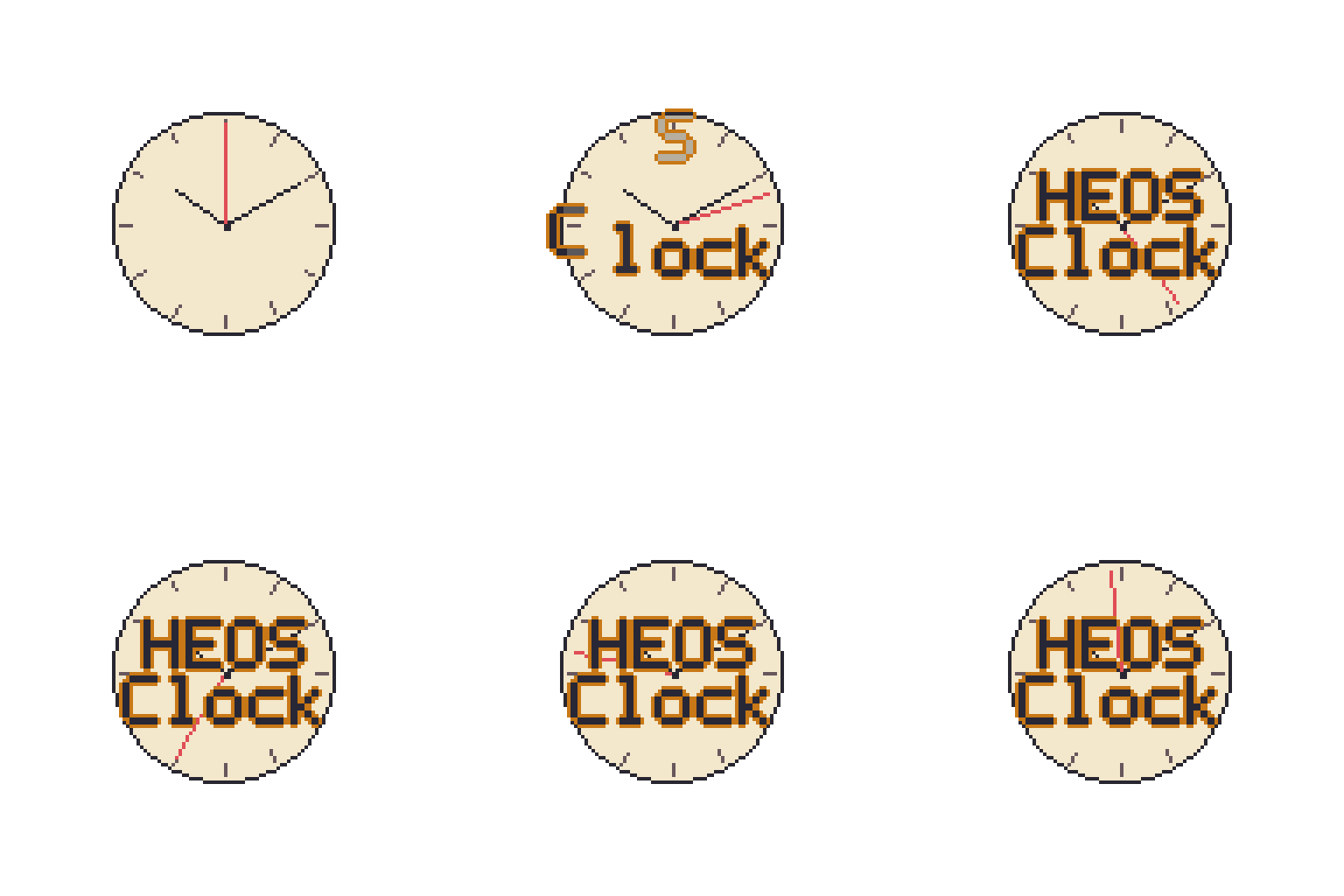
Heos Clock
A downloadable tool
Heos Clock is a Lua script for Aseprite that generates digital and analog clock faces as regular image layers. Perfect for adding working timepieces to pixel art scenes, animated countdowns, watches, timers, or any sprite that needs a readable clock face.
Examples
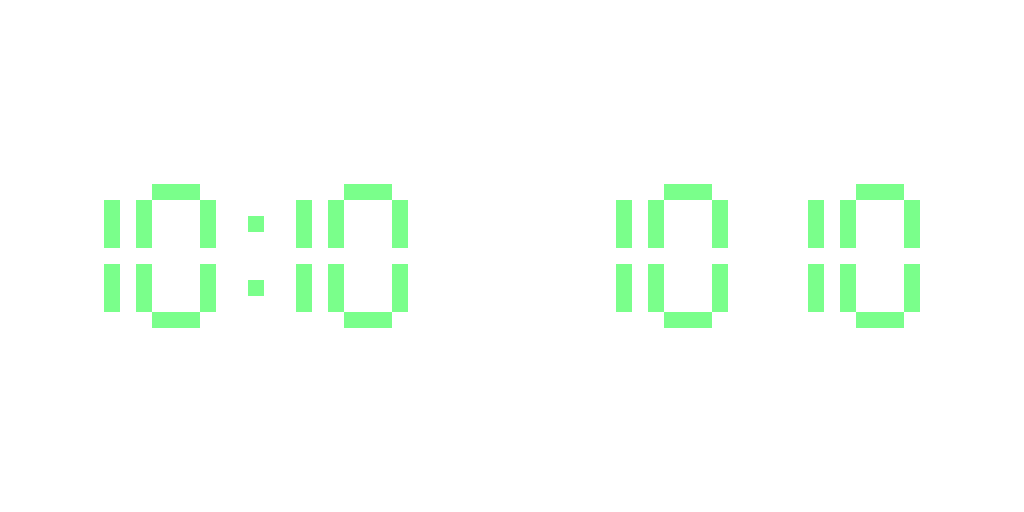
Digital:
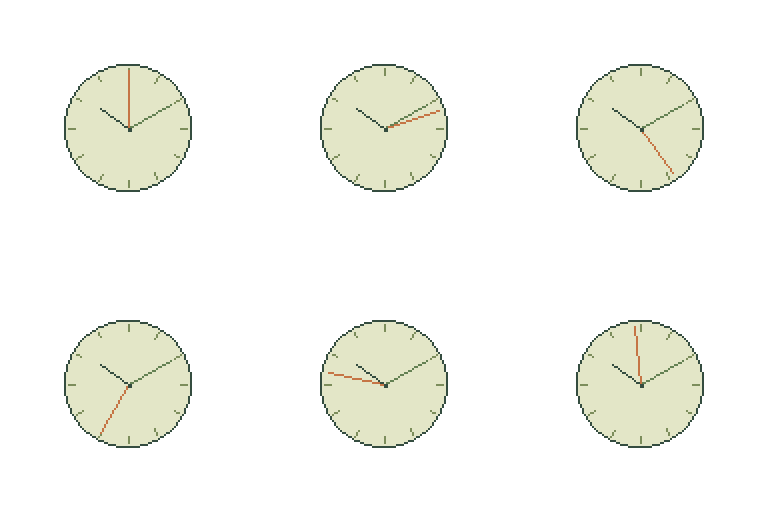
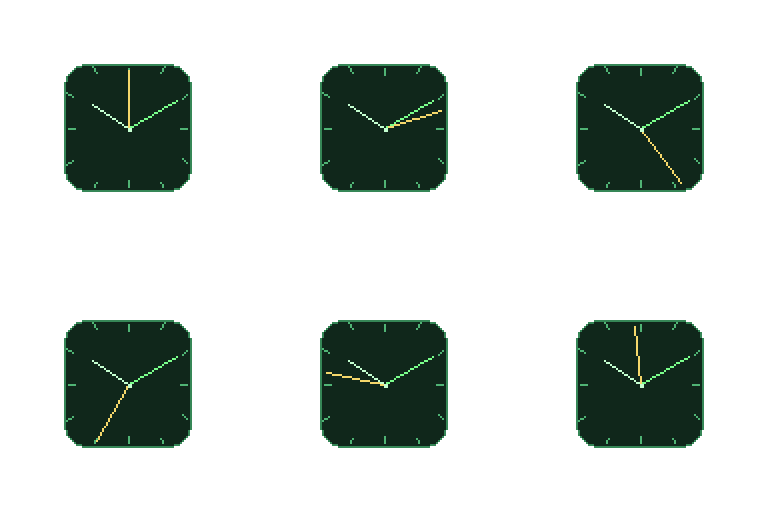
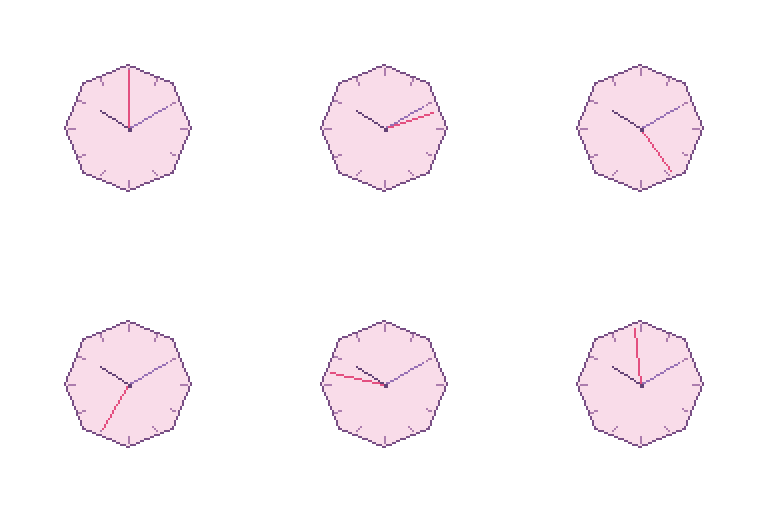
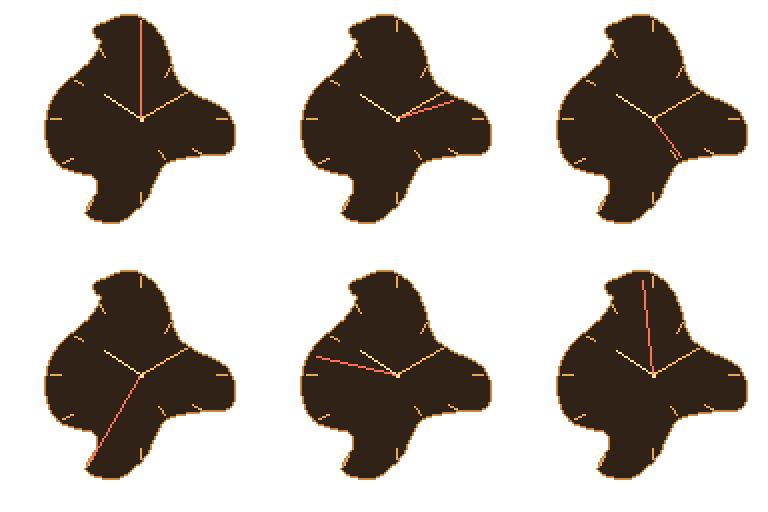
Analog
Workflow
1. Choose mode: Select Digital or Analog in the Clock tab.
2. Enter time: Type HH:MM from 00:00 to 23:59.
3. Pick a shape: Choose a preset silhouette or draw a filled lasso selection.
4. Adjust colors: Apply a preset from the dropdown or pick each color manually.
5. Enable animation: Set the blink duration or frame count and loop duration.
6. Press Allons-y!: Generate the clock on a layer named "Heos_Clock".
Clock Tab Parameters
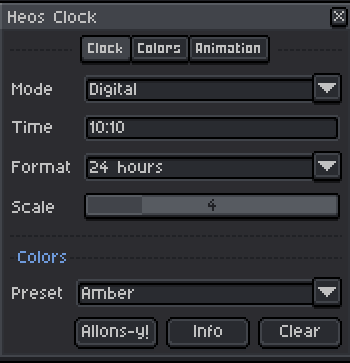
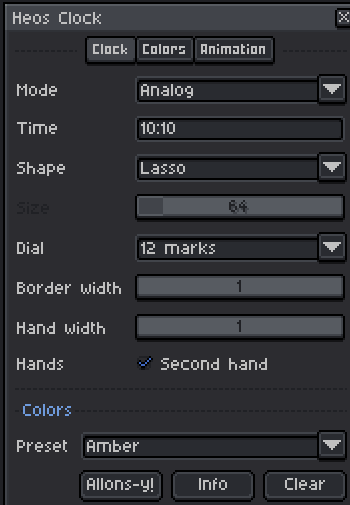
Mode: Digital or Analog clock rendering.
Time: HH:MM in 24-hour format, from 00:00 to 23:59.
Format: 24 hours or 12 hours (Digital only).
Scale: 1 to 16, size of each digit segment (Digital only).
Shape: Silhouette of the clock face: Circular, Square, Triangular, Oval, Rounded square, Diamond, Pentagon, Hexagon, Octagon, Heart, Star, Lasso (Analog only).
Size: 16 to 512 pixels per side (Analog only).
Dial: None, 12 marks, or 60 marks around the face (Analog only).
Border width: 1 to 8 pixels for the face outline (Analog only).
Hand width: 1 to 5 pixels for the hour and minute hands (Analog only).
Second hand: Toggle the second hand on or off (Analog only).
Colors Tab Parameters
Digits: Color of digital digits (Digital only).
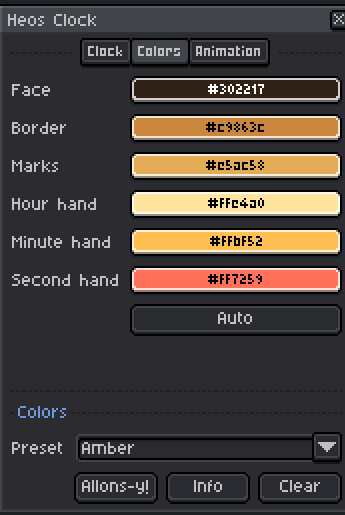
Face: Fill color of the clock face.
Border: Color of the face outline.
Marks: Color of the tick marks.
Hour hand: Color of the hour hand.
Minute hand: Color of the minute hand.
Second hand: Color of the second hand.
Auto: Derives a readable ink set from the current face color.
Animation Tab Parameters
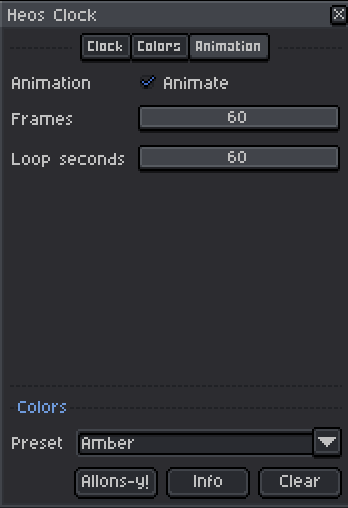
Animate: Enable animation for the generated layer.
Blink frame (ms): Colon on and off duration for Digital mode, 50 to 2000 ms.
Frames: 2 to 60 frames for Analog animation.
Loop seconds: Total turn duration, 1 to 60 seconds.
Full Presets
The Preset dropdown instantly sets all colors to a themed configuration. You can still tweak any individual color after applying. Available presets:
Classic: Green digits on a cream face with a dark ink.
Midnight: Muted blue tones on a deep navy face.
Terminal: Green phosphor on a dark CRT green.
Amber: Warm amber CRT palette.
Ocean: Cyan and teal tones on a pale sea face.
Candy: Pink and purple pastels.
Forest: Earthy greens and warm browns.
Monochrome: Grayscale, from white face to dark ink.
Selection & Shape
If you have an active selection in Aseprite, standard shapes are centered inside its bounds. The Lasso shape uses the filled selection as a mask, so the clock follows any silhouette you draw, from a shield to a cloud to a bottle cap. The last lasso is remembered until you close the script.
Tips
Draw a filled lasso selection before generating to make custom-shaped clocks: an arrow, a star, a label, anything you can select. Use the Auto button in the Colors tab to quickly pick readable ink colors for any face tone.
Regenerating keeps the start frame and cleans up previous output, including frame timing. If you have other cels on other layers that share extra frames, the script leaves them alone and restores the original duration.
Compatibility
Requires Aseprite 1.3.x or later. Works with RGB color mode. Indexed sprites are not supported. The script creates a regular image layer named "Heos_Clock" and manages its cels, so it participates in undo and file saving.
FAQ
Q: Can I edit the clock after generating? Yes. The output is a normal image layer with cels; edit pixels directly or regenerate at any time.
Q: What happens to my other layers? Nothing. The script only adds and manages the "Heos_Clock" layer.
Q: Can I animate only the second hand? Yes. In Analog mode with Animate on, the hour and minute hands stay fixed while the second hand turns.
Q: Why does my lasso shape fail? The selection must be filled, its bounds must be 16 to 512 pixels per side, and the shape must be at least 3 pixels thick everywhere.
Feedback & Support
I love seeing how you use Heos Clock in your projects. If you have questions, ideas, or just want to share what you've made, feel free to leave a comment or reach out directly. It's always great to see your work in action.

If you found this tool useful, taking a moment to leave a rating really helps. Thanks for the support.
Purchase
In order to download this tool you must purchase it at or above the minimum price of $1.99 USD. You will get access to the following files:
Leave a comment
Log in with itch.io to leave a comment.