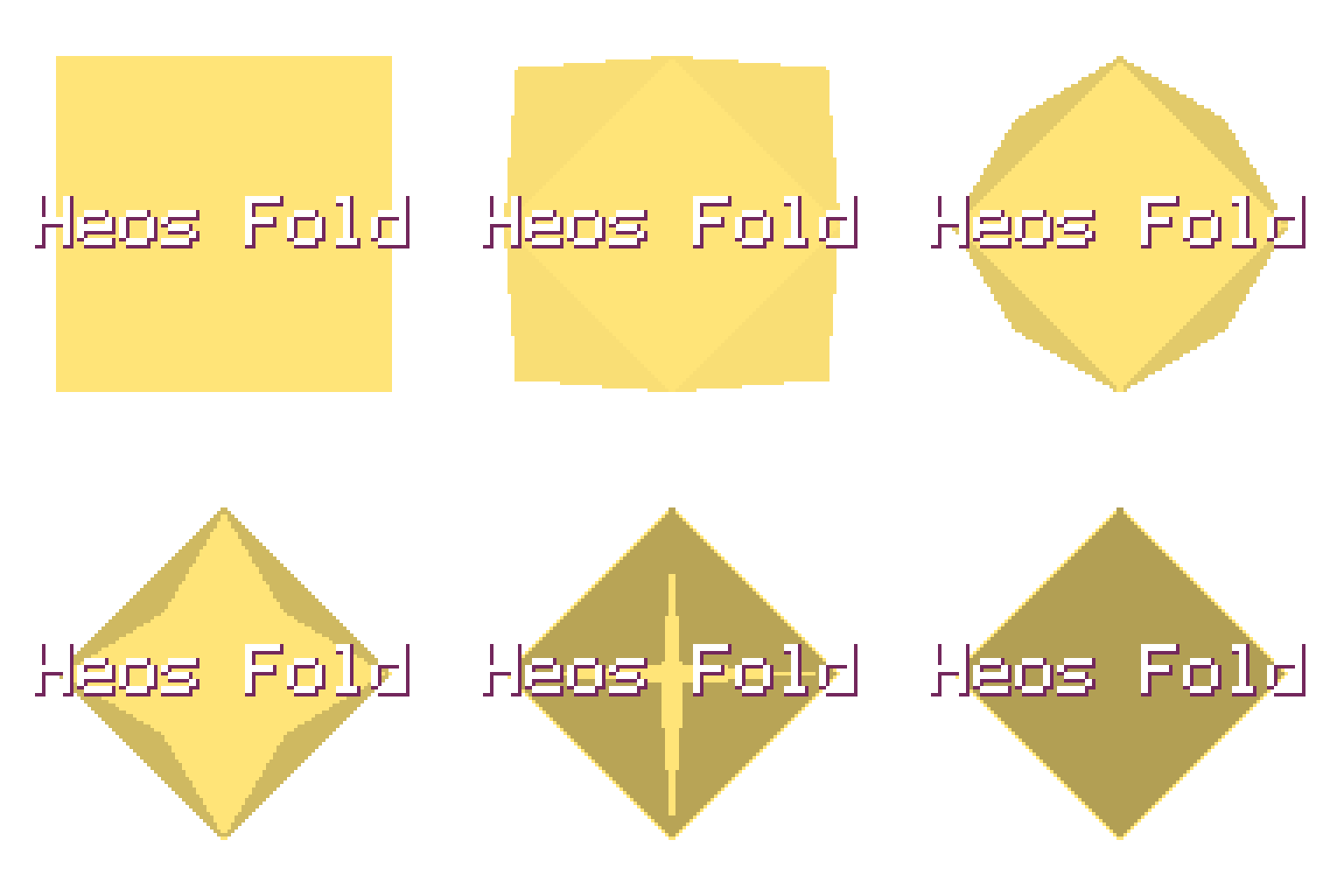
Heos Fold
A downloadable tool
Heos Fold is a Lua script for Aseprite that generates paper-style fold-over animations using true reflection across a crease line. Perfect for origami sequences, envelope closures, map folds, or any pixel art that needs realistic paper folding.
The fold sequence defines up to six folds applied to the artwork's content box (not the canvas), with each step folding the shape left by previous steps. Creases can be measured either on the current live shape or on the original unfolded sheet, giving you both progressive folding and origami‑style sequences.
Workflow
1. Open artwork: Start with a sprite in RGB mode. The script detects the bounding box of non‑transparent pixels as your “paper”.
2. Build fold sequence: Choose fold types for Step 1 through Step 6 from the dropdowns. Set unused steps to “—”.
3. Adjust timing & style: Set frames per fold, easing, shading, and whether folds happen sequentially or all at once.
4. Choose crease mode: Leave unchecked to measure each crease on the shape left by previous folds; check “Measure on original sheet” for origami‑accurate sequences.
5. Generate animation: Press Allons‑y! – the script hides original layers, builds the animation, and shows only the folded result.
6. Clear output: Use Clear to delete the generated layer and restore original frames and visibility.
How Folds Work
Each fold reflects a subset of pixels across a crease line. The crease position is a fraction (½ or ¼) of the live shape’s real extent along the fold axis, snapped so the full reflection maps exactly onto the pixel grid – no rounding speckle or drifting across steps.
Projection axis (nx,ny): Determines the direction we measure along (vertical, horizontal, or diagonal).
MoveLow / MoveHigh: Defines which side of the crease moves (the low‑projection side or the high‑projection side).
Fraction (frac): ½ folds in half; ¼ folds the moving edge/corner onto the center of the live shape.
Crease snap: For axis folds (L=1) the crease is snapped to half‑integers; for diagonal folds (L=2) to integers – guarantees exact overlap at full fold.
Fold Sequence Parameters
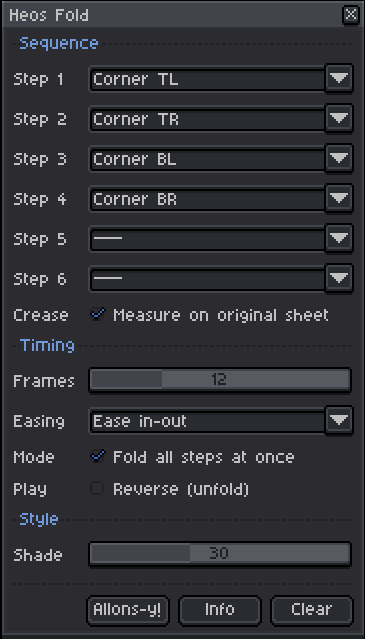
Step 1–6: Fold type for each step. Available types: V down, V up, H right, H left, V down ctr, V up ctr, H right ctr, H left ctr, Tri TL>BR, Tri BR>TL, Tri TR>BL, Tri BL>TR, Corner TL, Corner TR, Corner BL, Corner BR, or “—” to skip.
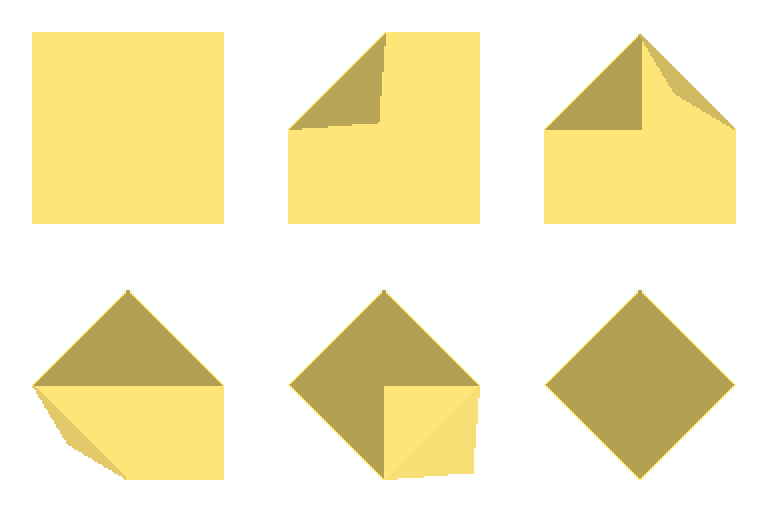
Crease (Measure on original sheet): When checked, all crease positions are calculated on the artwork’s initial bounding box (not the progressively shrinking live shape). Use for sequences where you want exact origami closure (e.g. four Corner folds one by one).
Timing & Style Parameters
Frames: Number of in‑between frames per fold. Range 2–40. Total frames = (sequential folds × frames) + 1, or (frames + 1) when “Fold all steps at once”.
Easing: Acceleration curve for each fold: Linear, Ease in, Ease out, Ease in‑out, Bounce, Elastic.
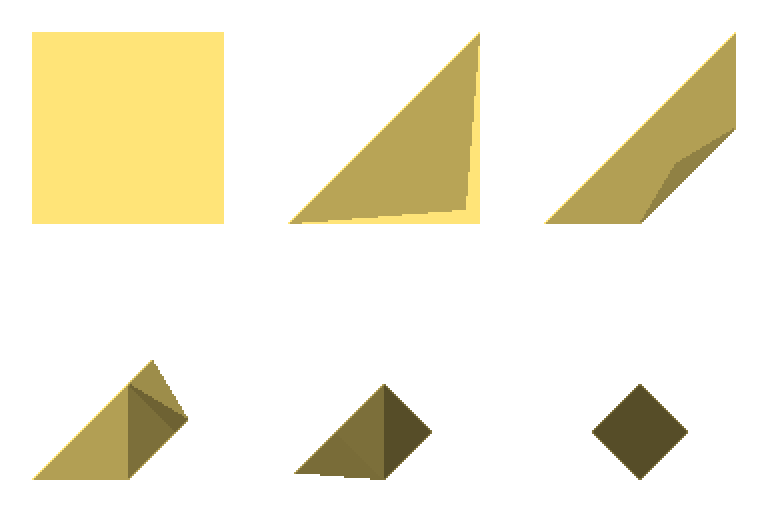
Mode (Fold all steps at once): When checked, every fold in the sequence animates simultaneously from the same unfolded sheet. Works best with ctr and Corner folds – their moving areas are disjoint, so they close like origami without overlap.
Reverse (Unfold): Plays the animation in reverse (from fully folded back to flat). Frame 1 is always the flat artwork; the loop closes cleanly.
Shade: Darkening percentage applied to the moving side during the fold (0–80). Simulates shadow on the folded‑over paper.
Compatibility
Requires Aseprite 1.3.x or later. Works with RGB color mode only (indexed sprites are not supported). Maximum total frames is 300 – the script will warn if your settings exceed this limit.
Tips
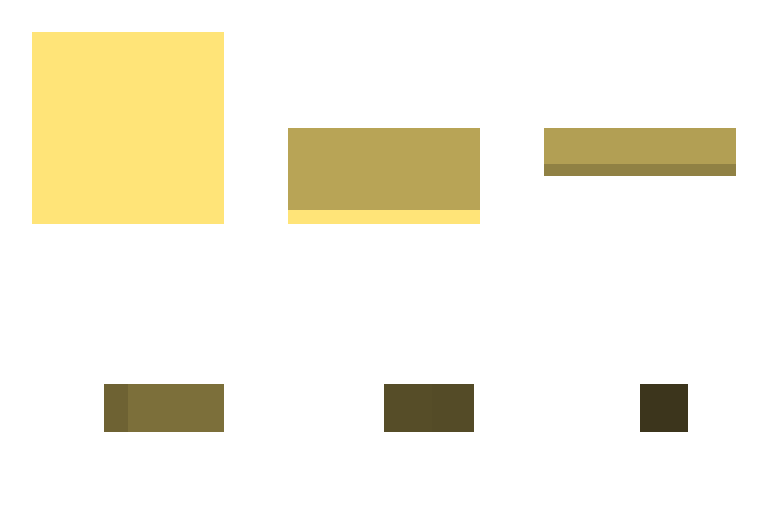
Use “Fold all steps at once” with the four Corner folds to create an envelope closure – the corners meet at the center simultaneously. For a map fold, use sequential V down, H right, V down, H right with “Measure on original sheet” unchecked.
Paint your artwork with transparency around it; the script uses the non‑transparent bounding box as the paper. Empty areas are ignored and never fold. To pause the animation at the fully folded state, set Reverse to false and loop only the generated frames.
FAQ
Q: Why does my fold look misaligned or drift? Make sure you are using the correct crease mode. For sequential folds that repeatedly halve the shape (V down, then V down again), leave “Measure on original sheet” unchecked. For sequences that fold disjoint corners, check it to keep creases planned on the full sheet.
Q: Can I use this with an active selection? No – the script always uses the artwork’s content bounds (the smallest rectangle containing all non‑transparent pixels) regardless of selection.
Q: My sprite has many frames already – will Heos Fold overwrite them? The script generates frames starting from frame 1 and replaces the Heos_Fold layer only. Other layers are hidden but not deleted. Use Clear to restore original layers and frames.
Examples
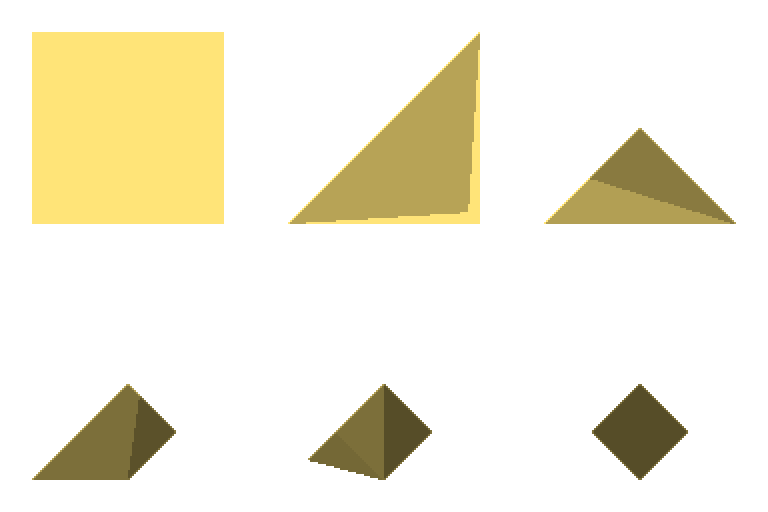
It's also useful for storing illustrations in drawers (ha!):

Feedback & Support
I love seeing how you use Heos Fold in your projects. If you have questions, ideas, or just want to share what you've made, feel free to leave a comment or reach out directly. It's always great to see your work in action.

If you found this tool useful, taking a moment to leave a rating really helps. Thanks for the support.
Purchase
In order to download this tool you must purchase it at or above the minimum price of $1.99 USD. You will get access to the following files:
Leave a comment
Log in with itch.io to leave a comment.