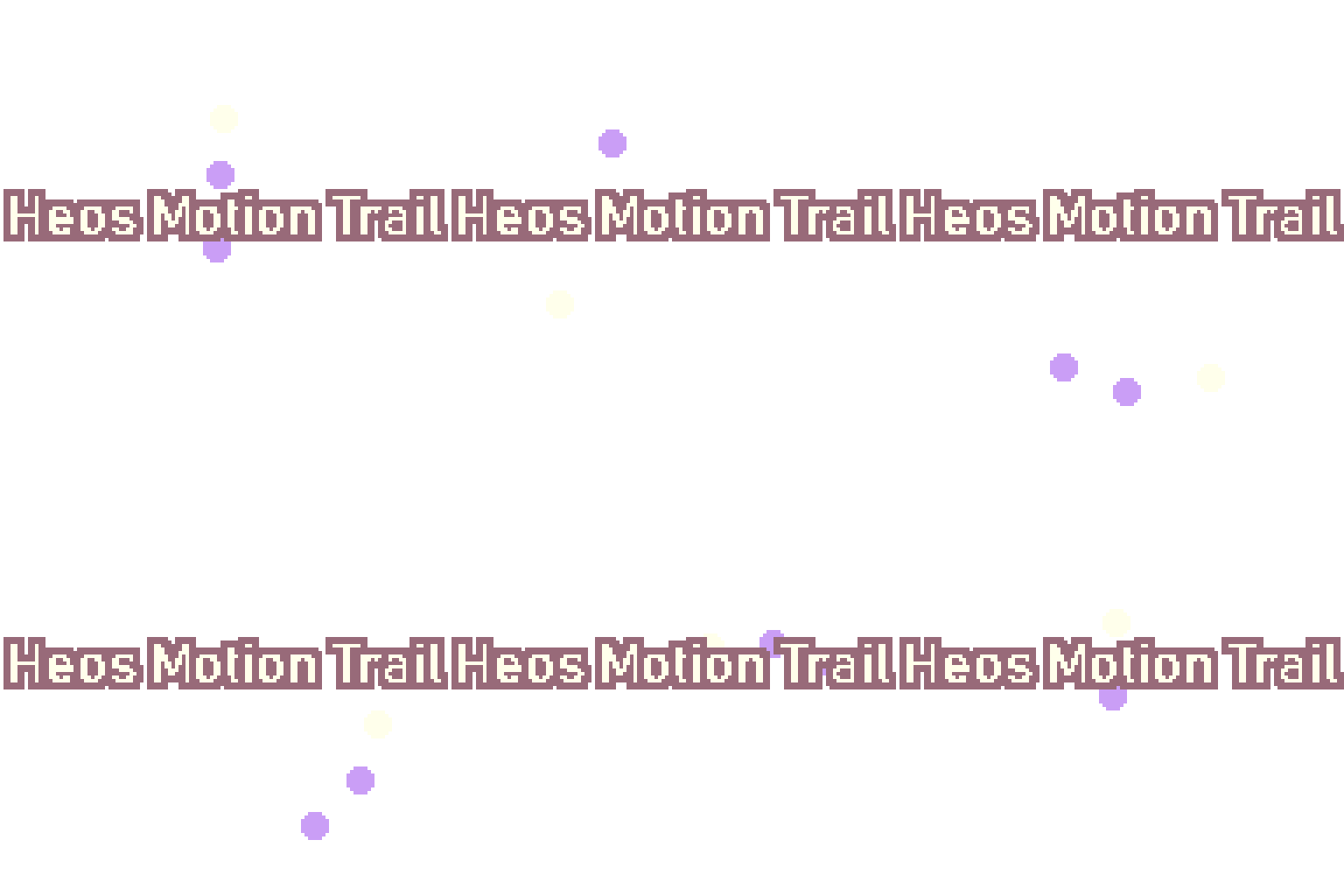
Heos Motion Trail
A downloadable tool
Create smooth, customizable motion trails (ghost frames) in one click. No more manual frame‑by‑frame copying.
Heos Motion Trail is a script for Aseprite that automatically generates a trail layer based on your animation. It samples previous and/or future frames, applies a color tint and opacity fade, and bakes the ghosts into a dedicated non‑destructive layer. Perfect for speed lines, afterimages, magic effects, or any fast motion.
Features
- Adjustable Trail Length – 1 to 8 ghost steps.
- Direction Control – backward, forward, or both directions (creates a balanced trail around the current frame).
- Color Tinting – choose any color (blue, purple, red, white, neutral, or custom) and control the tint strength.
- Opacity Fade – ghost intensity fades naturally over the trail length (adjustable max opacity).
- Works on All Visible Layers. The script automatically collects every visible layer (including groups) and composites them into the trail.
- Per‑Frame or Full Animation. Generate trail only for the current frame, or bake ghosts for every frame of the sprite.
How to Use
- Open your animated sprite in Aseprite.
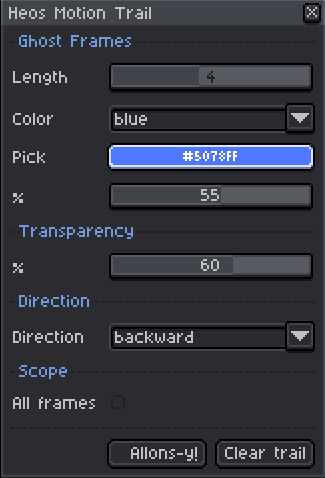
- Run the script (
File > Scripts > Heos_MotionTrail). - Adjust settings:
- Length: number of ghost frames.
- Color: pick a preset or choose a custom color from the picker.
- % (tint strength): how strongly the ghost takes the tint color.
- Transparency %: maximum opacity of the closest ghost.
- Direction: ghost frames from the past, future, or both sides.
- All frames : if unchecked, trail is baked only on the current frame.
- Click Allons‑y!: the script creates a
[Motion Trail]layer with all ghosts. - Toggle the trail layer visibility or delete it with the Clear trail button.
💡 The script respects layer visibility and looping animations – frames wrap around the end of the timeline automatically.
Requirements
- Aseprite v1.3 or later.
- Works with any sprite size, framerate, and color mode (RGB recommended).
Parameters Overview
| Parameter | What it does |
|---|---|
| Length | Number of ghost steps (1–8). |
| Color | Tint color for all ghosts. |
| % (tint) | Blending strength between original pixel color and tint (0 = no tint, 100 = full tint). |
| Transparency % | Opacity of the first (closest) ghost; further ghosts fade linearly. |
| Direction | backward = previous frames, forward = next frames, both = alternating around the current frame.
|
| All frames | If checked, bakes trails on every frame of the animation. |
| Clear trail | Deletes the generated trail layer. |
Example:


💬 Feedback & Support
I love seeing how you use Heos Motion Trail in your projects. If you have questions, ideas, or just want to share what you’ve made, feel free to leave a comment or reach out directly. It’s always great to see your work in action.

If you found this tool useful, taking a moment to leave a rating really helps. Thanks for the support ❤️
Purchase
In order to download this tool you must purchase it at or above the minimum price of $1.99 USD. You will get access to the following files:
Leave a comment
Log in with itch.io to leave a comment.