Heos Overlap
A downloadable tool
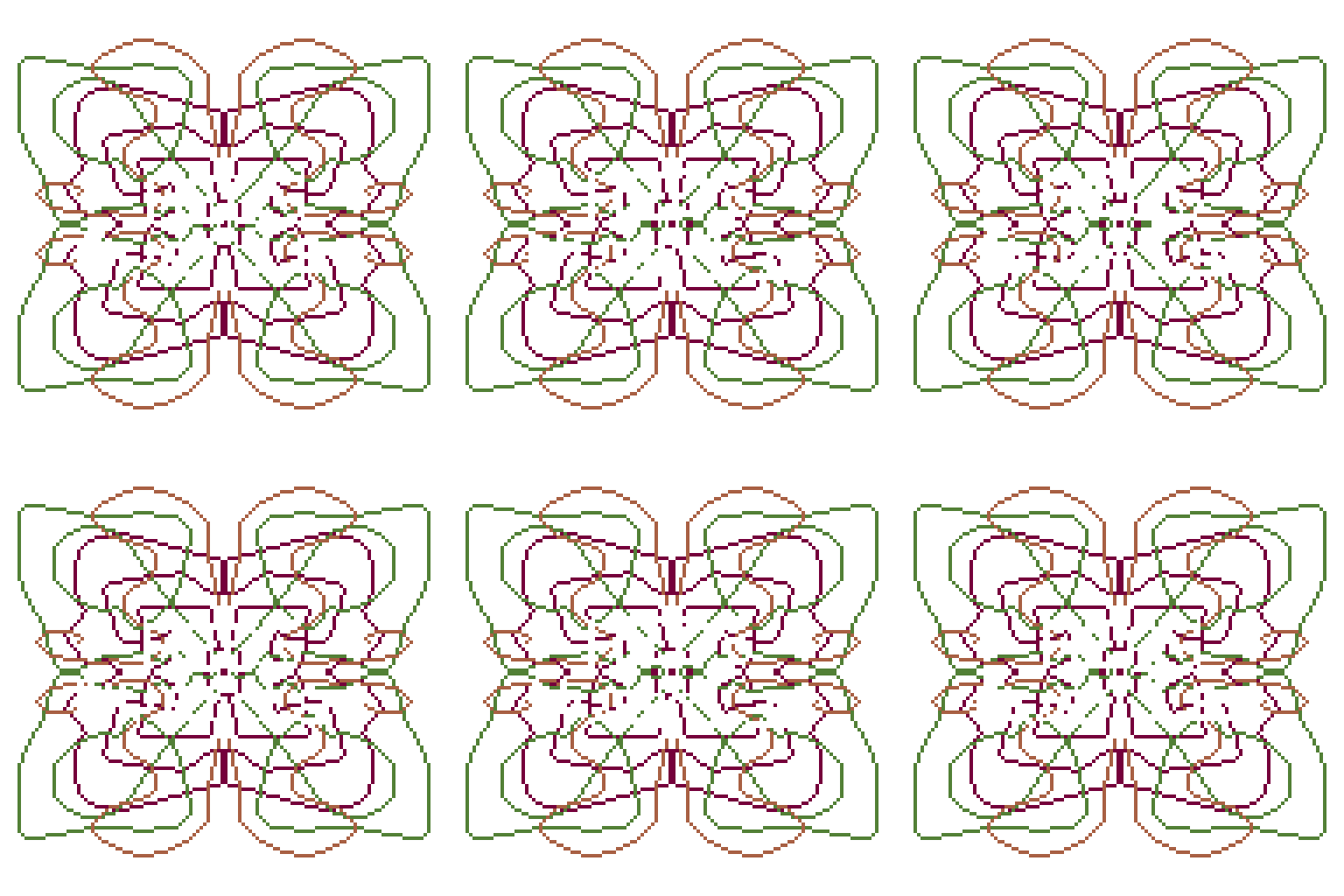
I saw a request from a user on Reddit and wanted to try to fix it. I'm sharing it in case anyone finds it useful. It's a simple script that highlights the points where multiple layers overlap (even in animations). It can be useful for analyzing an animation or maybe even for creating some interesting effects. I'll come back to it when I can and see what else I can add.
Examples
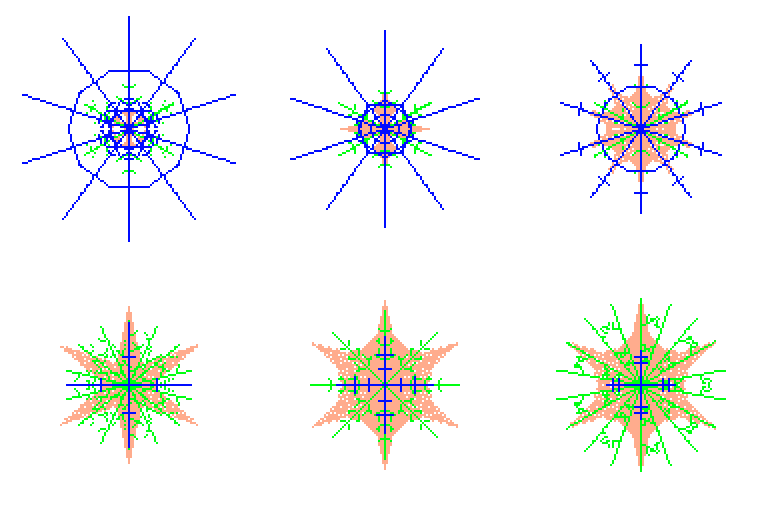
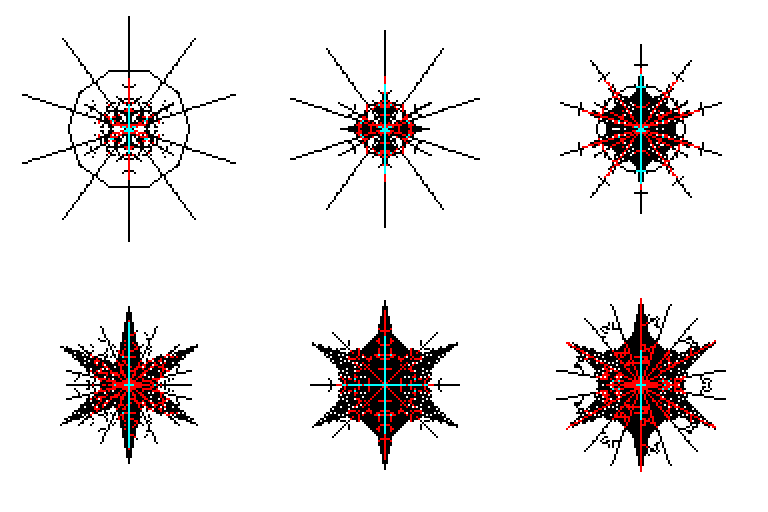
3 animations on 3 layers:
Allons.y! and...
Workflow
1. Open your sprite: Make sure your sprite is active in Aseprite.
2. Arrange your layers: The script will process all visible, non-group layers except the one named "Heos_Overlap".
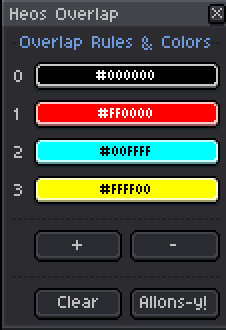
3. Set overlap colors: In the dialog, assign a color to each overlap count (0, 1, 2, 3, etc.).
4. Add or remove rules: Use the + and - buttons to increase or decrease the number of overlap levels.
5. Generate the map: Click "Allons-y!" to create or update the "Heos_Overlap" layer.
6. Clear the map: Use the "Clear" button to remove the "Heos_Overlap" layer if needed.
How Overlap Mapping Works
The script iterates through every visible pixel of each source layer and counts how many layers have a solid pixel at each canvas coordinate. The resulting overlap count is then mapped to a color you define.
Overlap count: The number of layers that contribute a solid pixel at a given position.
Color mapping: Each overlap count (0, 1, 2, ...) is assigned a specific color.
Performance: The script uses optimized pixel iteration for speed, even on large sprites.
Parameters
Color pickers: Each overlap count (0, 1, 2, 3, ...) has a corresponding color picker. Click to change the color for that overlap level.
+ button: Adds a new overlap rule. The new rule gets a default color from a preset palette and is assigned the next available count number.
- button: Removes the last overlap rule. You must keep at least one rule.
Clear button: Deletes the "Heos_Overlap" layer from the sprite.
Allons-y! button: Generates the overlap map based on the current settings and visible layers.
Compatibility
Requires Aseprite 1.3.x or later. Works with RGB, Grayscale, and Indexed color modes.
Tips
Use the "Clear" button to remove the generated layer before making changes to your source layers, then regenerate to keep the map up to date.
The script ignores layers named "Heos_Overlap" to prevent recursion. You can rename your output layer if you want to keep multiple overlap maps.
Feedback & Support
I love seeing how you use Heos Overlap in your projects. If you have questions, ideas, or just want to share what you've made, feel free to leave a comment or reach out directly. It's always great to see your work in action.

If you found this tool useful, taking a moment to leave a rating really helps. Thanks for the support.
Download
Click download now to get access to the following files:
Leave a comment
Log in with itch.io to leave a comment.