Heos Pixel Stamp
Heos Pixel Stamp is a web‑based tool for designing custom pixel‑art stamps and composing them into patterns with full control over ink, paper, and printing effects.
Perfect for creating seamless tile sets, textile patterns, game assets, or mock‑ups for screen printing and risography.
The program is available in Spanish and English (button in the upper right corner).
The premium version removes the watermark.
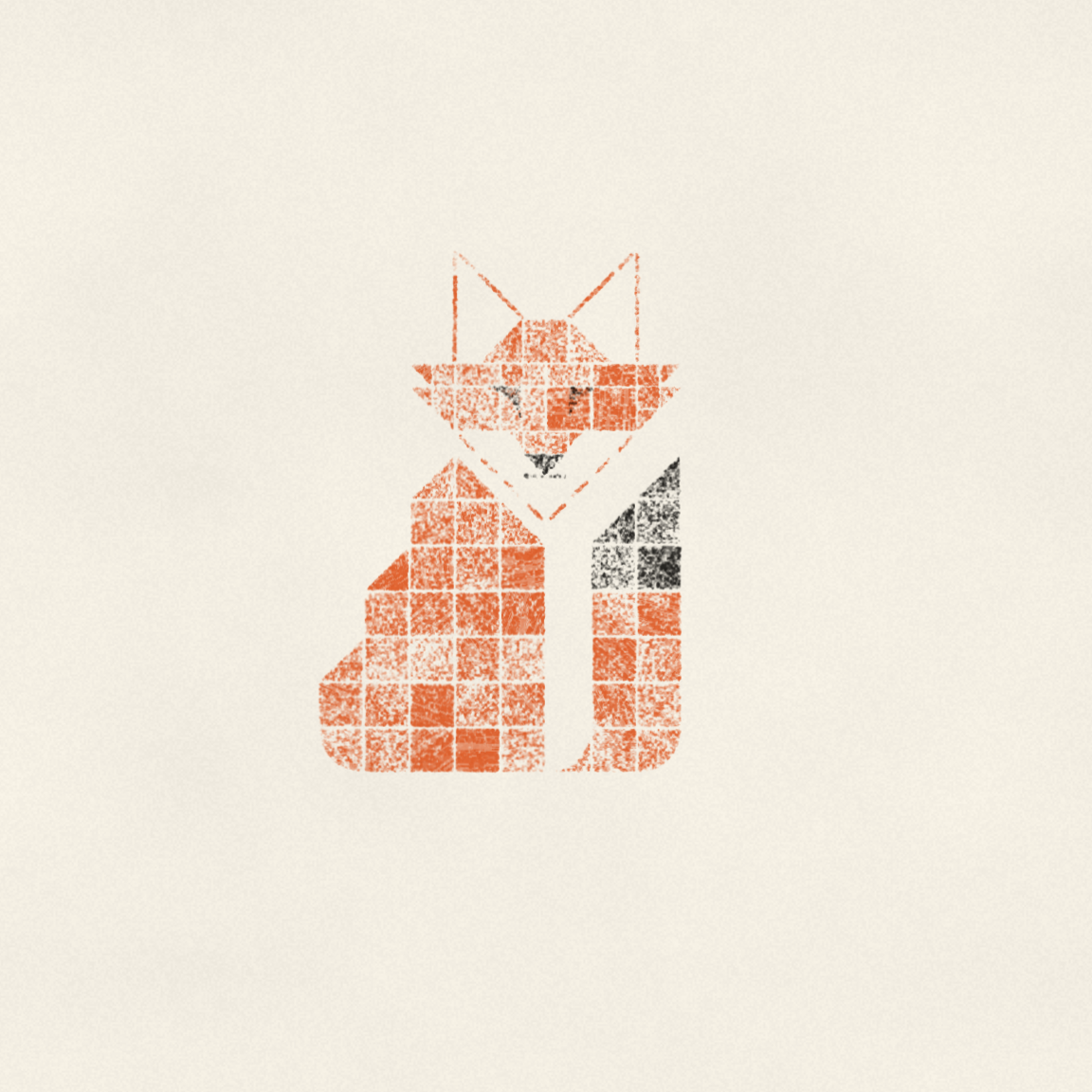
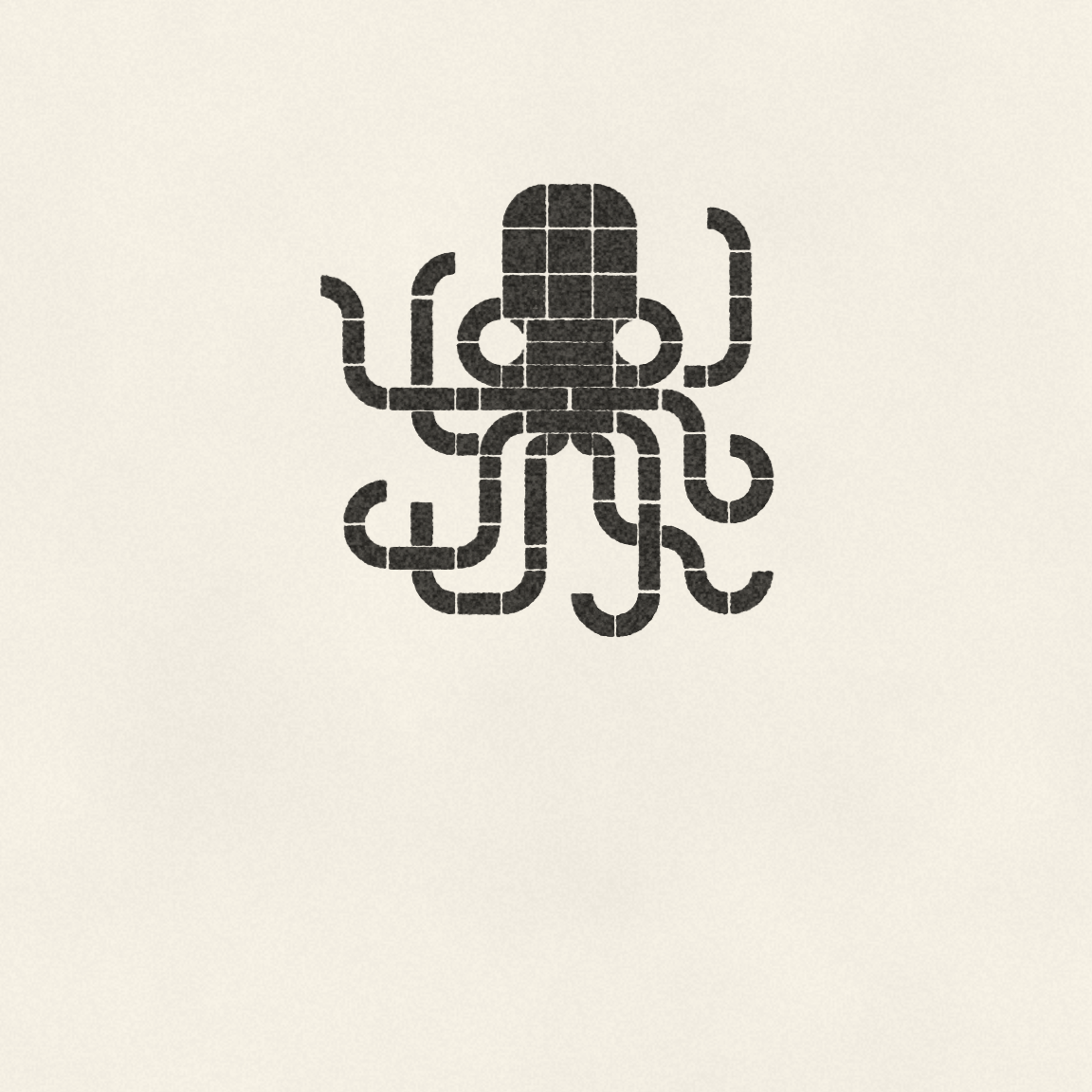
Examples

Workflow
1. Design a stamp: use the Shape Editor to create your own form – choose from corners, trace a polyline, draw a route with per‑point radius, or paste an SVG path.
2. Place it on the sheet: click or drag to stamp. Use symmetry (vertical, horizontal, mirror) to place multiple copies at once.
3. Build your palette: add, remove, or import ink colours (even from Lospec) and assign them to individual pieces.
4. Fine‑tune the press: adjust ink load, edge bite, mottle, misregistration, bleed, and other parameters that simulate real printing conditions.
5. Export: download as PNG at any resolution, with or without paper texture, and with optional bleed for print‑ready files.
Parameters
Shape Editor
Mode: Corners (click a corner to cycle through 12 types), Trace (free‑form polyline with smooth option), Route (polyline with per‑point radius), or SVG Path (manual path string).
Width / Height: 1 to 10 cells – the bounding box of your stamp.
Fill / Stroke: solid fill or outline with adjustable stroke width, alignment (center / inner / outer), and cap style.
Clip to edge: crops the shape to its bounding box – useful for keeping strokes flush.
Scale X / Y: stretch the shape independently.
Stroke Inset: shrinks the stroke toward the centre – works like a "thickness trim" slider.
Stamp Tool
Tools: Stamp, Erase, Select – each with keyboard shortcuts (B, E, W).
Symmetry: Vertical, Horizontal, and Mirror – duplicate stamps automatically.
Overlap: allows stamps to cover each other; when off, new stamps replace those they intersect.
Mix (multiply): blends overlapping ink layers instead of overwriting.
Zoom & Grid: zoom from 8× to 48× pixels per cell; grid helps alignment.
Ink Press
Ink load: overall ink density (0.5–1.3).
Edge bite: roughness of the stamp’s contour (0–1).
Inner grain: internal texture mottle (0–1).
Uneven pressure: blotchiness caused by uneven plate contact (0–1).
Misregistration: colour shift between ink layers (0–6 pixels).
Ink spread: bleeding of the ink into the paper (0–1).
Squeeze‑out: halo of excess ink at edges (0–1).
Roller skip: streak artefacts from poor roller coverage (0–1).
Craquelure: fine crack patterns (0–1).
Hand tremor: slight random shift and rotation per stamp (0–1).
Paper grain: visible paper texture (0–1).
Seed: global random seed; lock it to keep the same grain while tweaking other parameters.
Features
Built‑in shape library: over 90 predesigned stamps (solids, curves, chamfers, concave shapes, strokes, and specials).
Custom shape storage: save your own designs and export them as JSON for reuse.
Live preview: see the stamp and ink effects update in real time.
Selection & manipulation: select multiple stamps, move, rotate, clone, delete, or recolor them in bulk.
Palette import: paste hex codes or load a Lospec palette URL directly.
Print export: set physical width (mm) and DPI, add bleed, and download a print‑ready PNG (with or without paper background).
Tips
For a more organic look, use the Smooth option in Trace mode – it converts your polyline into a Catmull‑Rom spline. Combine it with Stroke rendering to get flowing, brush‑like lines.
The Route mode with 3 points and maximum radius gives you a perfect circular arc – ideal for tubes or curved pipes. Use Mouth Anchor to snap the ends to the cell edges (flush) or cell centres (lane).
To create a tileable pattern, turn on symmetry and place stamps so they touch the sheet borders – the exported image will be seamless.
Lock the seed if you like a particular grain and want to keep it while experimenting with other press settings. Press "Allons‑y!" to randomise everything except locked parameters.
Feedback & Support
I love seeing how you use Heos_Pixel Stamp in your projects. If you have questions, ideas, or just want to share what you've made, feel free to leave a comment or reach out directly. It's always great to see your work in action.

If you found this tool useful, taking a moment to leave a rating really helps. Thanks for the support. ❤️
Purchase
In order to download this tool you must purchase it at or above the minimum price of $9.99 USD. You will get access to the following files:
Leave a comment
Log in with itch.io to leave a comment.