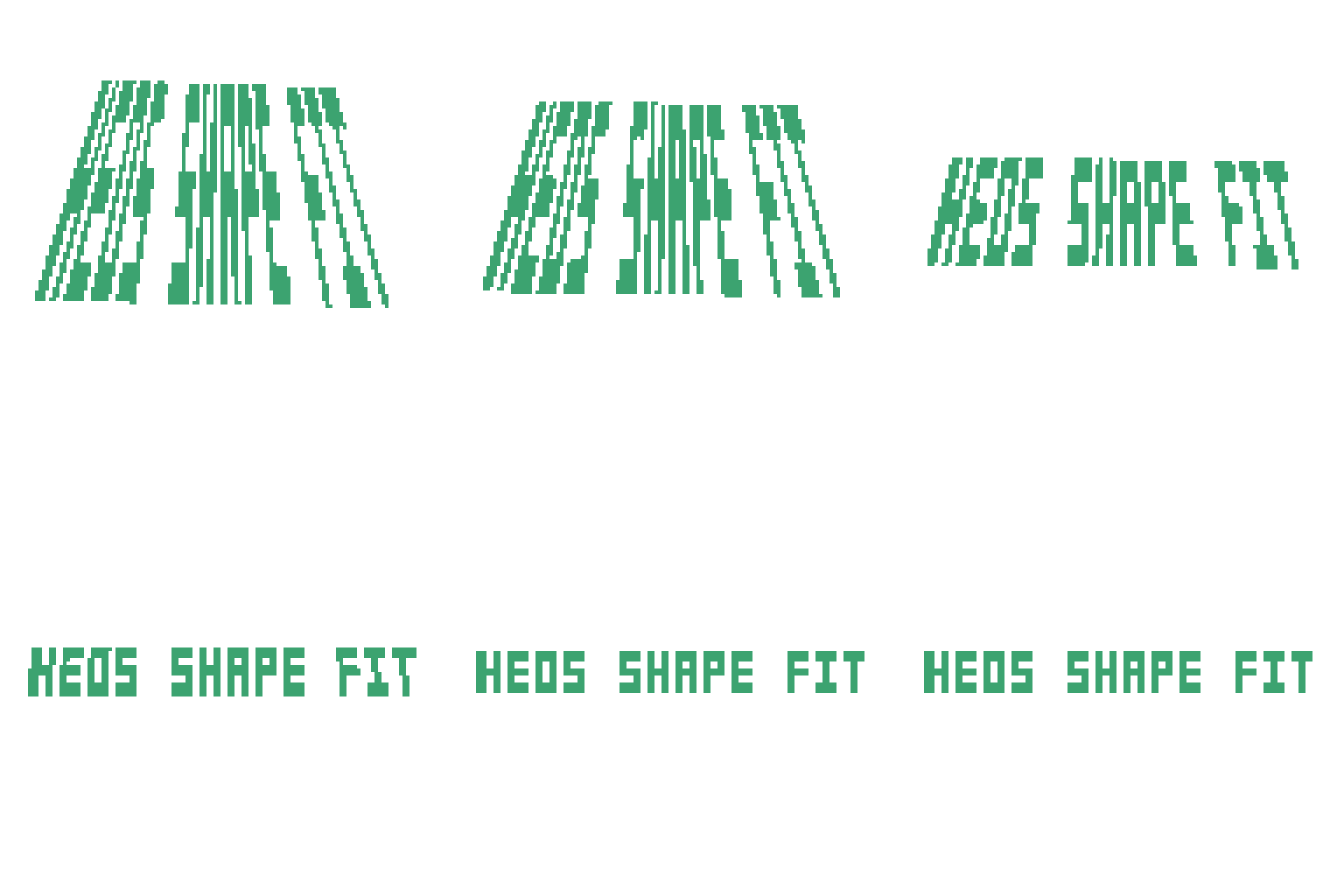
Heos Shape Fit
A downloadable tool
Heos Shape Fit
Heos Shape Fit is a Lua script for Aseprite that warps or stretches your drawing into a custom pink shape you paint on a dedicated layer.
Perfect for fitting pixel art into irregular silhouettes, mapping textures to isometric faces, or creating morph animations. Paint multiple pink shapes across frames to animate the drawing through a sequence of silhouettes.
All visible layers and groups are used as source. The script can either fit every frame of an existing animation into the shape (All frames mode) or generate a brand new morphing animation from the current drawing into the shape (Animate mode). With multiple shapes painted on different frames, the drawing morphs smoothly through each silhouette in order.
Workflow
1. Open sprite: Use an RGB sprite in Aseprite 1.3.x or later.
2. Prepare shape: The script auto‑creates the "Heos_ShapeWork" layer. Paint one or more pink shapes there (solid fill or outline). For multi‑shape animations, paint shapes on different frames of the work layer — each cel with a shape becomes a keyframe.
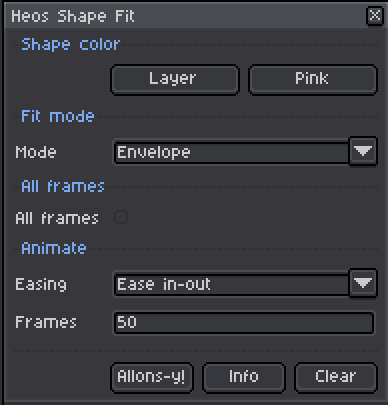
3. Choose mode: Select Mesh (bilinear quad warp), Envelope (row‑by‑row stretch), or Silhouette (SDF‑based morph that handles topology changes).
4. Set options: Decide between All frames (fit existing animation) or Animate (generate new morph frames). Adjust Easing and Frames for the morph.
5. Run: Press Allons‑y! The source is flattened from all visible layers, the result appears, and all other layers hide automatically.
6. Keep or revert: Like the result? Keep it. Press Clear to remove the output and restore original layers and frames.
How Fit Modes Work
Mesh performs a bilinear warp that maps the source drawing onto the four corners of the pink shape. It works best with convex quadrilaterals and is ideal for isometric faces, tilted panels, or perspective‑corrected surfaces.
Envelope stretches each row of the source to match the width of the pink shape at the corresponding vertical position. It handles concave and highly irregular silhouettes well.
Silhouette uses a signed distance field (SDF) to morph the entire outline of the drawing into the pink shape. It handles changes in topology (parts splitting or merging), rotation, and holes without unwanted artifacts.
Mesh: Uses the four extreme corners of the pink shape (top‑left, top‑right, bottom‑left, bottom‑right) as warp targets. The drawing is sampled with nearest‑neighbor interpolation.
Envelope: Uses the pink shape's vertical profile. For each scanline, it stretches the source row to fit the shape's width at that height.
Silhouette: Computes a signed distance field for both source and target, then interpolates the fields to create smooth, topology‑aware morphs.
Single shape — All frames mode: Applies the chosen fit to every existing frame of the animation, frame by frame. No new frames are added – your original animation now plays inside the shape.
Single shape — Animate mode: Generates new frames that morph from the original drawing (frame 0) into the shape (frame N). Easing controls the timing curve.
Multi-shape — All frames mode: Paint a pink shape on different frames of the work layer. Each painted cel acts as a keyframe. The script fits every frame of your animation, and at each point on the timeline, the drawing conforms to the active shape keyframe at that moment. Frames between shape keyframes interpolate smoothly (Morph). Leave frame 1 unpainted if you want the original drawing to morph into the first shape.
Multi-shape — Animate mode: The drawing morphs through the sequence of shapes in order: original → shape 1 → shape 2 → … → final shape. New frames are generated and appended to your sprite.
Parameters
Mode: Mesh, Envelope, or Silhouette. Defines how the source is warped into the pink shape.
All frames: When checked, applies the fit to every existing frame of the sprite without adding frames. When unchecked, the script generates a morph animation. With multiple shapes, All frames maps each animation frame to the active shape at that point in the timeline.
Easing: Linear, Ease in, Ease out, or Ease in‑out. Only visible when All frames is off. Controls the acceleration of the morph over time.
Frames: (default 8). Only visible when All frames is off. Number of frames in the generated morph animation (including the original drawing and the final fitted shape).
Compatibility
Requires Aseprite 1.3.x or later. Works with RGB color mode only (indexed sprites are not supported).
All visible image layers and groups are flattened as the source. Hidden layers are ignored. The script preserves your original sprite structure and can revert to it via the Clear button.
Tips
Solid pink fill or a pink outline both work fine for the shape. For Mesh, try to keep the pink shape roughly quadrilateral and convex for best results. For Envelope, even concave or perforated shapes work well.
For multi-shape animations, paint the shapes in order on consecutive frames (or any frames you choose) — each cel becomes a keyframe in the morph sequence.
If your source drawing has transparent areas, only opaque pixels are warped; transparent pixels remain transparent in the output.
Use multiple separate pink shapes on the same frame? The script uses all pink pixels on the work layer — they are treated as a single silhouette. To create independent warps, run the script separately for each shape and composite manually.
The Silhouette mode is ideal for organic morphs where parts of the drawing need to separate or merge, such as a character transforming into a different shape.
Examples
Original with Pink form:
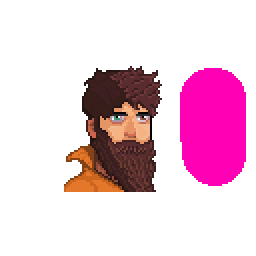
Mesh/Envelope
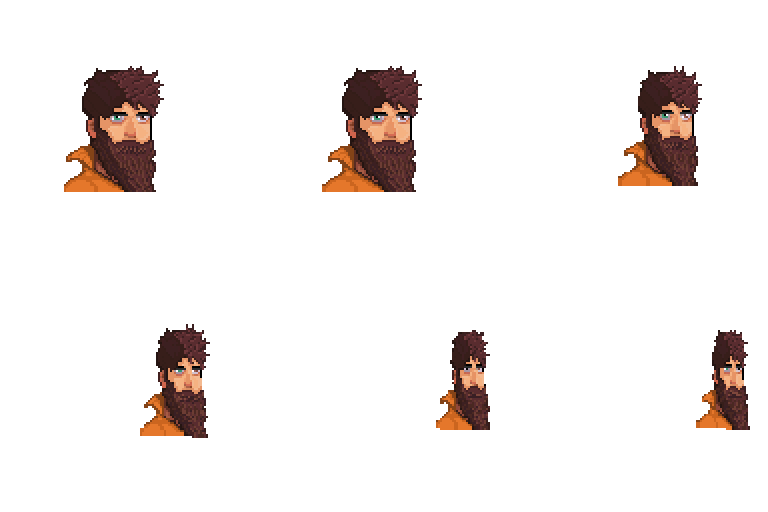
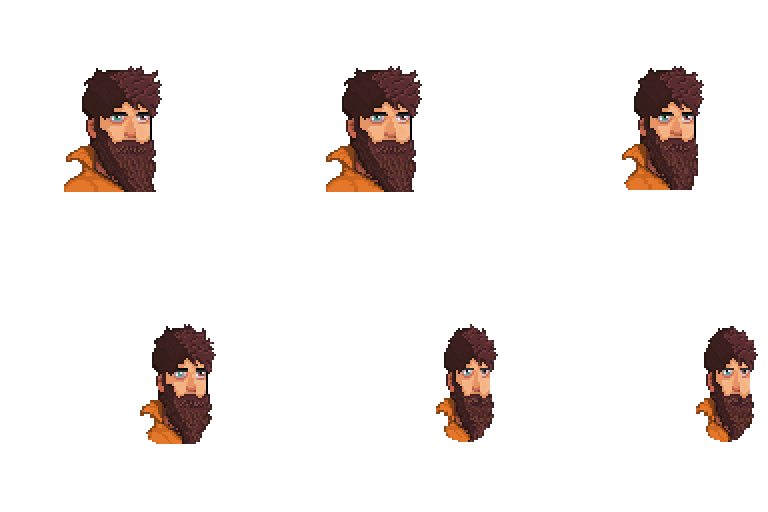
The position and form of the Pink form its important:
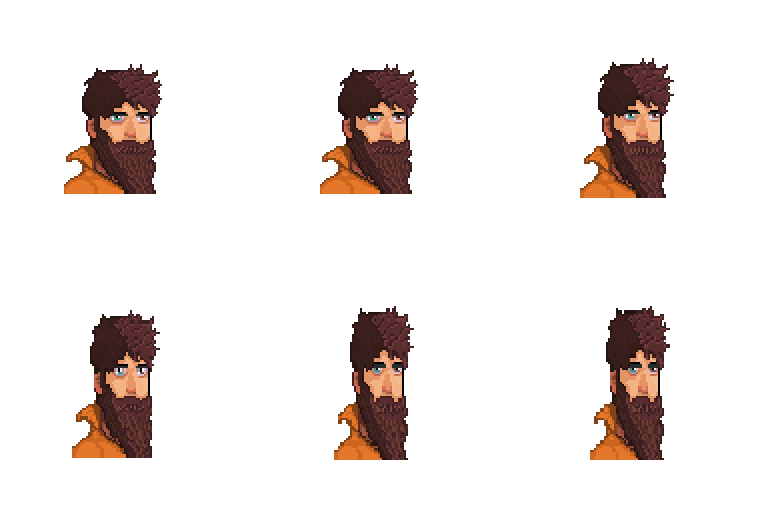
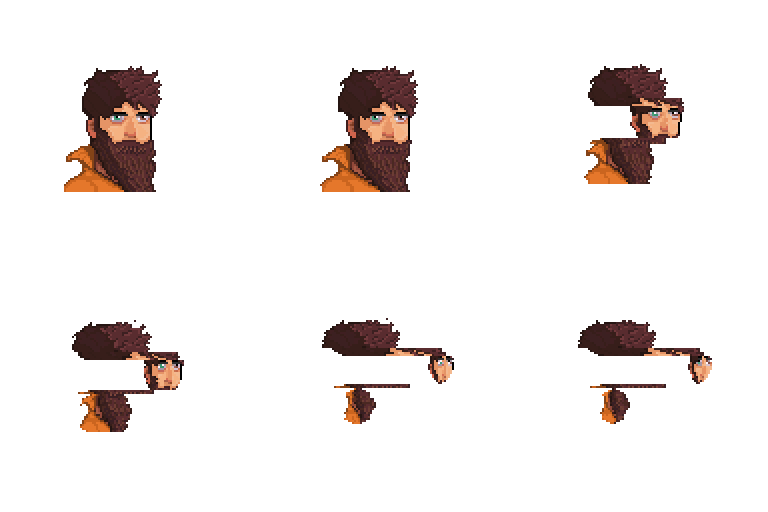
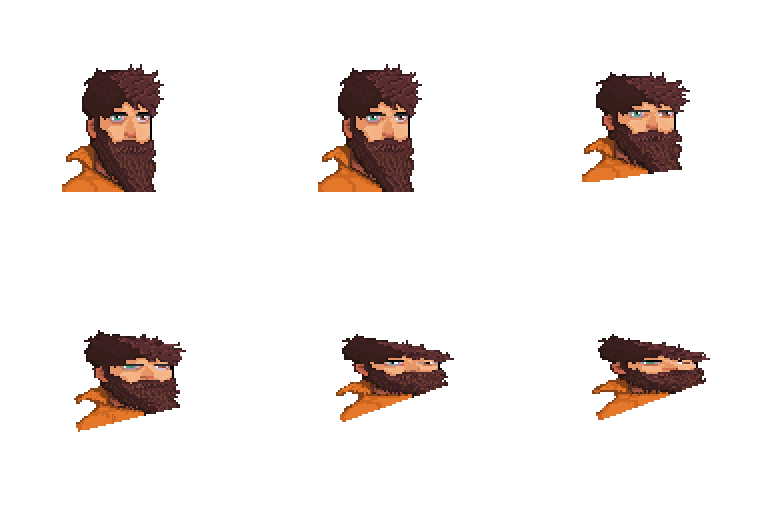
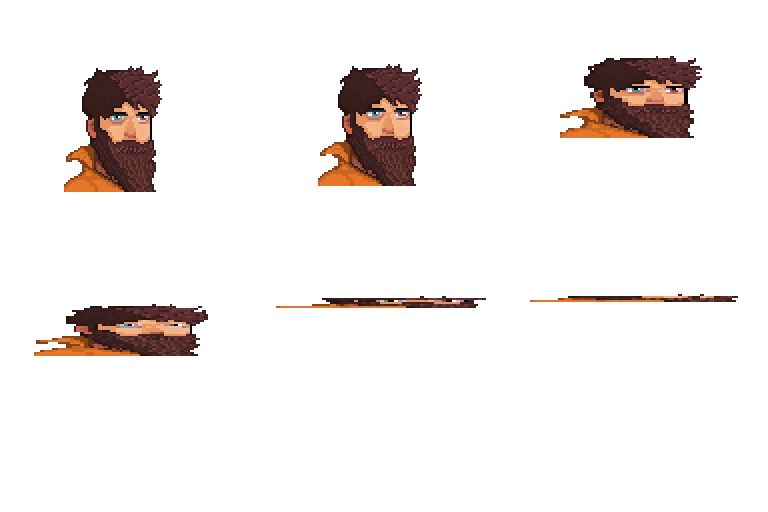
Support for multiple transformations with different shapes on the working layer (you must select “All frames” and leave the first frame empty!) :
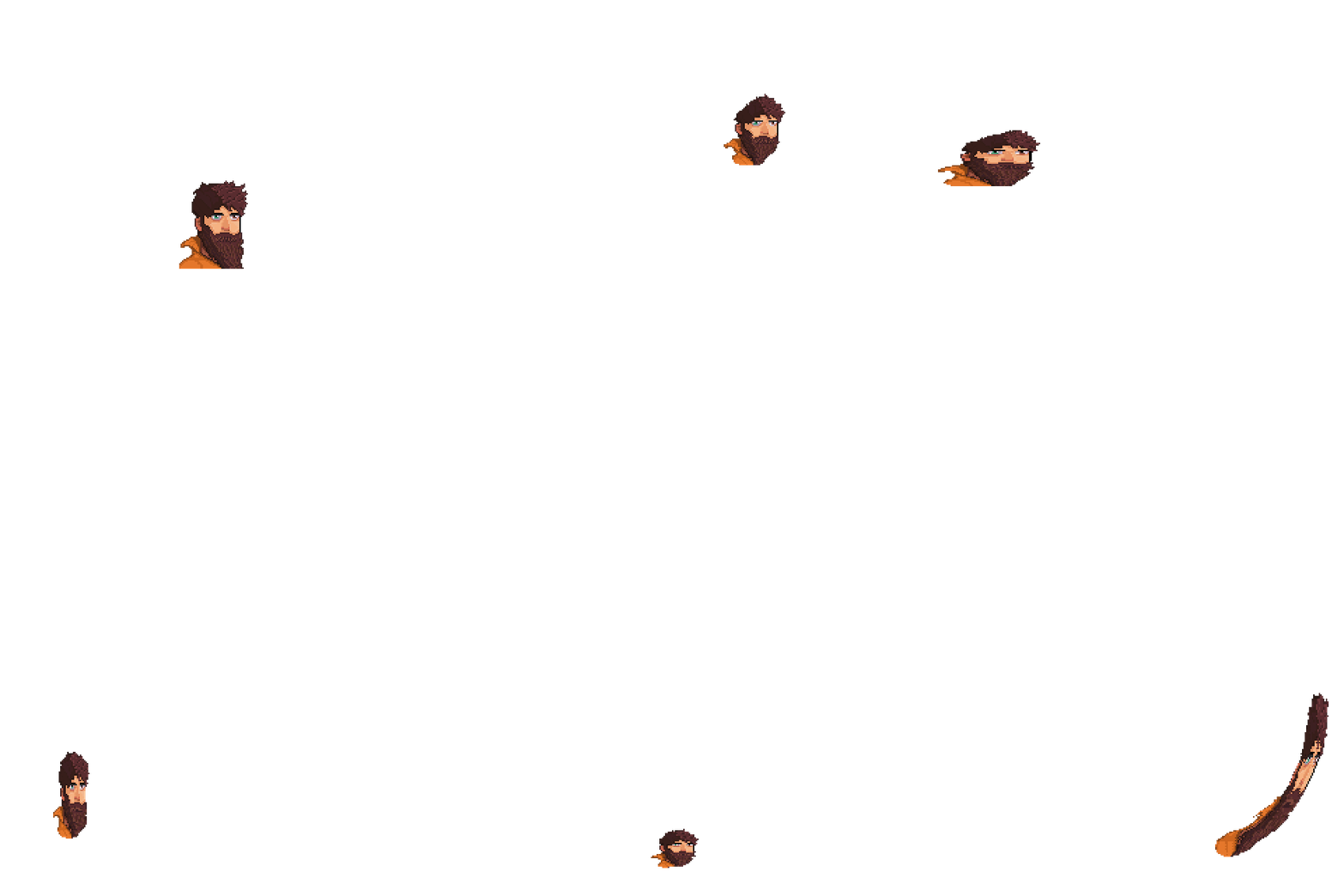
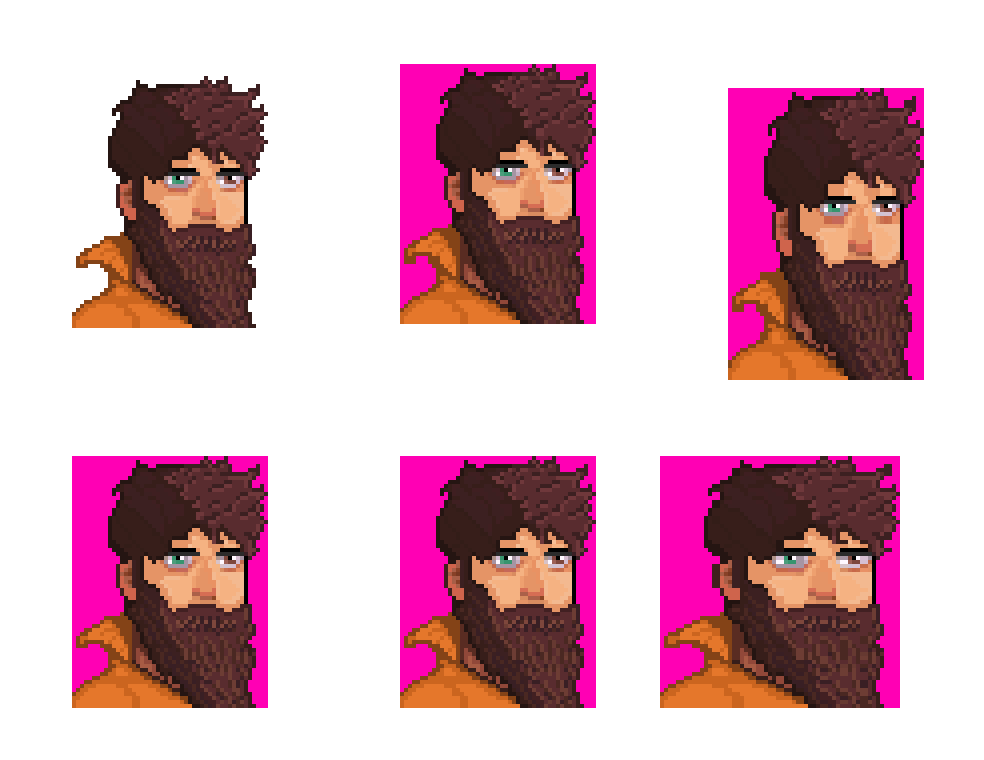
If you need subtle or more controlled movements, this works much better when you use primitive shapes (such as a rectangle). You can create a shape that covers the entire drawing and then deform that shape. Here's an example with the pink spots visible.
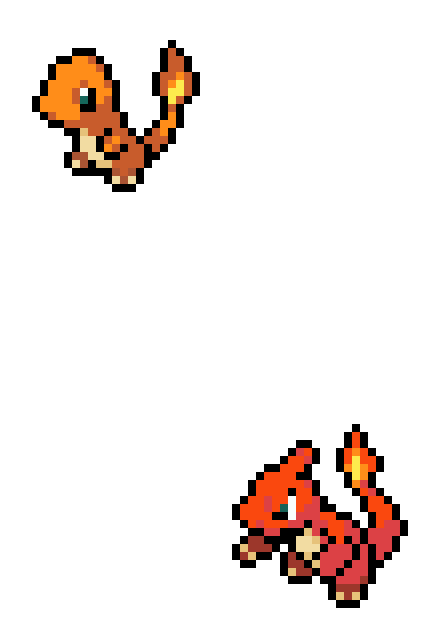
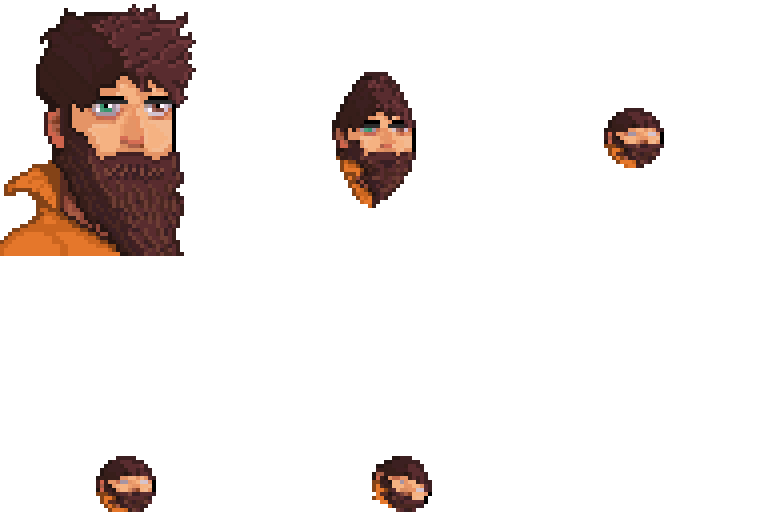
Silhouette is more accurate, but it also requires more computational power. It can be useful for transformations (these can be silhouettes or complete drawings).
Feedback & Support
I love seeing how you use Heos Shape Fit in your projects. If you have questions, ideas, or just want to share what you've made, feel free to leave a comment or reach out directly. It's always great to see your work in action.

If you found this tool useful, taking a moment to leave a rating really helps. Thanks for the support.
Purchase
In order to download this tool you must purchase it at or above the minimum price of $3.99 USD. You will get access to the following files:
Leave a comment
Log in with itch.io to leave a comment.