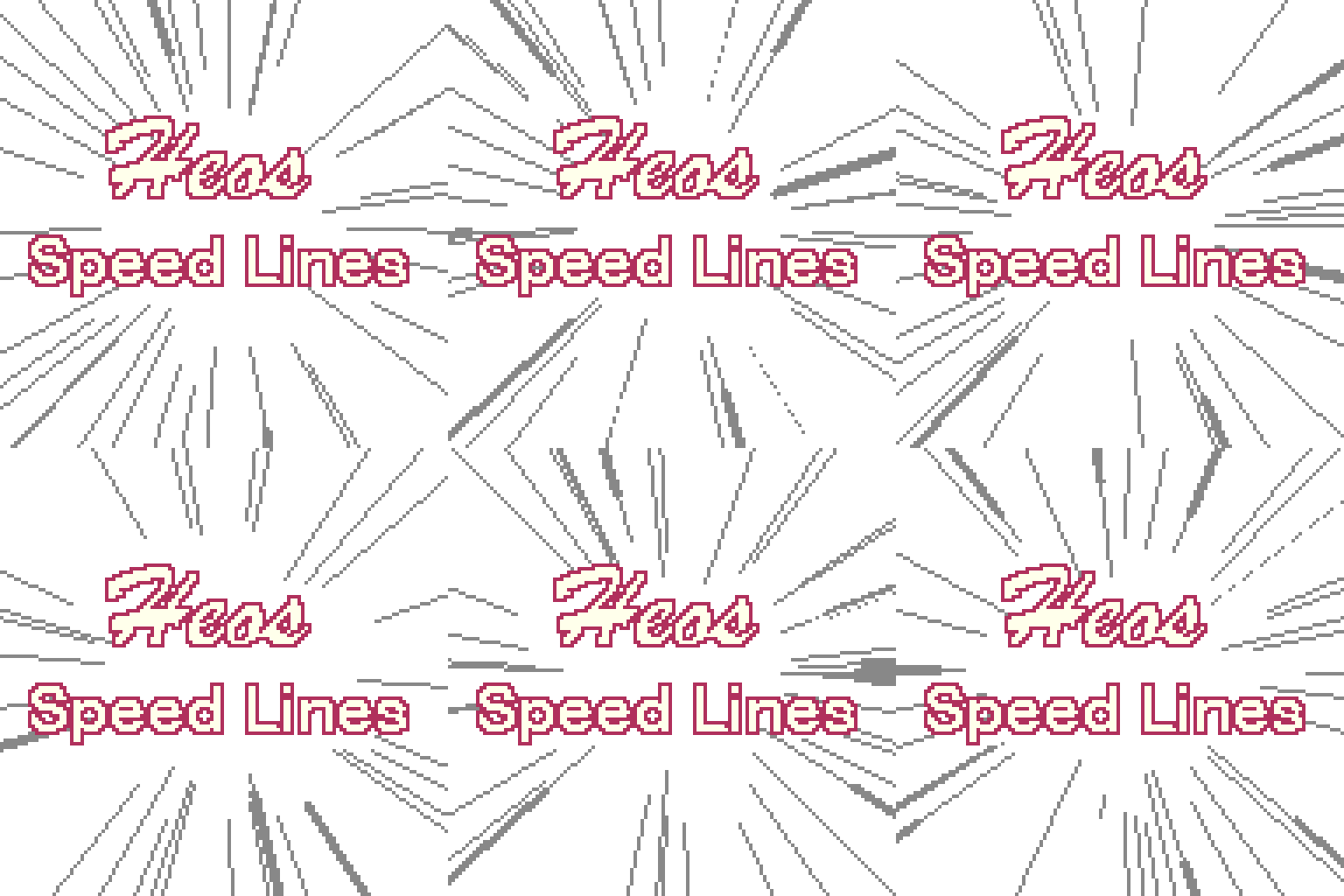
Heos SpeedLines
A no-fuss, non-destructive tool to add manga/anime-style speed lines, impact bursts, and motion effects directly inside Aseprite.
This script lives on its own layer (_HEOS_SPEEDLINES) and regenerates from scratch every time you hit generate. No mess, no leftover garbage.
You can download a free asset pack with some examples HERE
What it does
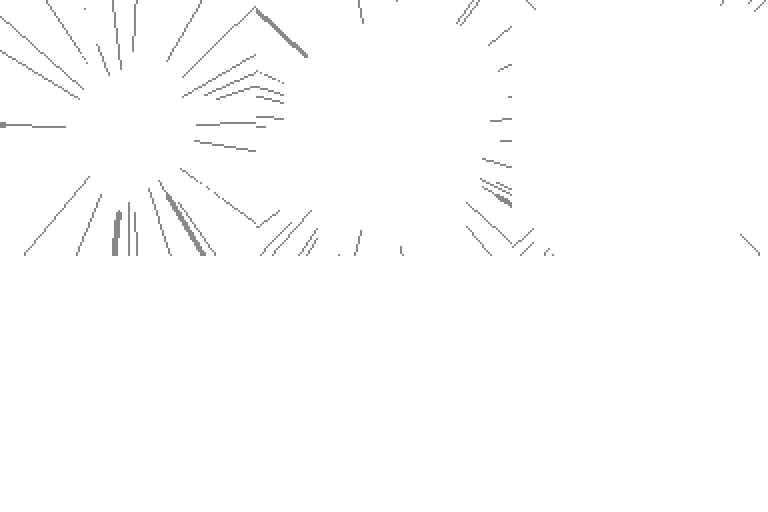
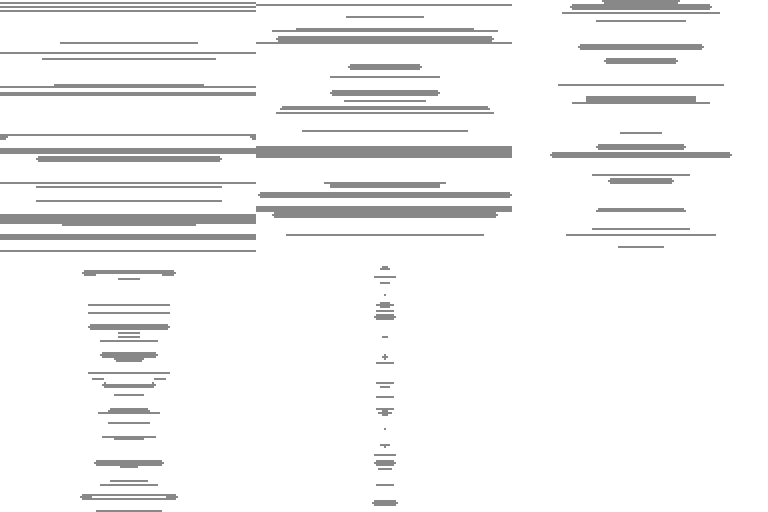
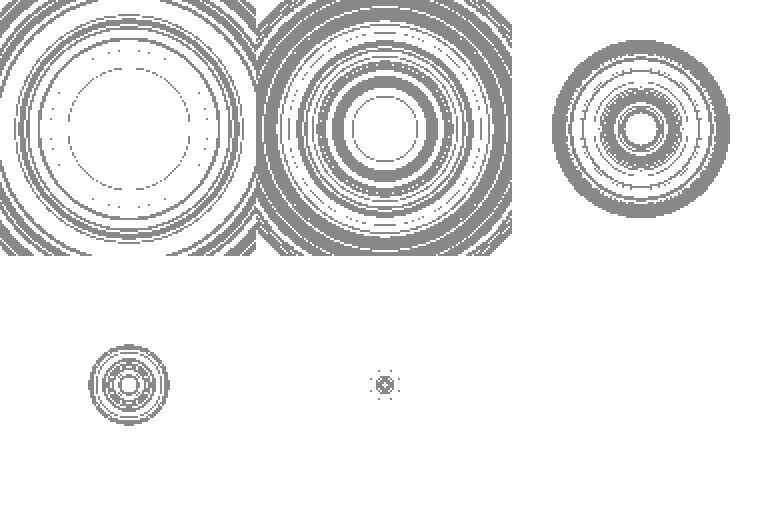
- Three pure modes: Radial (bursts from a center point), Parallel (directional motion, wind, rain), Concentric (shockwaves, pulses).
- Auto origin: Uses canvas center or the centroid of your selection (rectangle, circle, lasso – it just works).
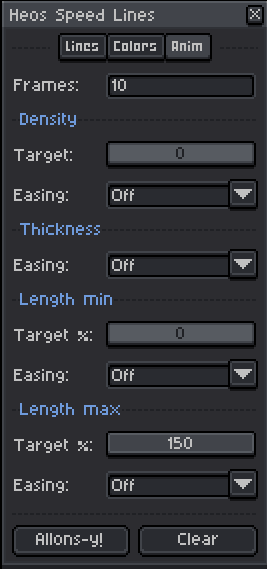
- Animation ready: Generates as many frames as you want with per-frame seeded variation. Each animatable parameter (density, thickness, length min, length max) can be independently eased from its base value toward a target using Linear, Ease in, Ease out, Ease in-out, or Pulse curves — or left Off entirely.
- Solid lines, no gaps: Bresenham line walking plus radial disc stamping – even diagonals stay solid.
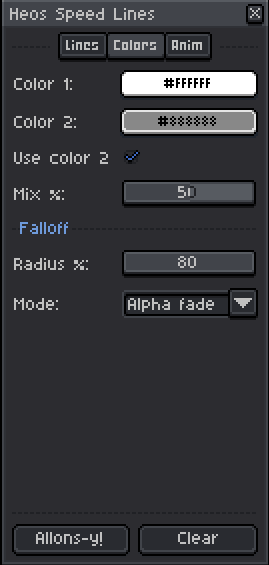
- Two-color mixing: Pick two colors, set a mix percentage, and the script randomly picks one per line. Nice organic variety.
- Falloff: Choose between hard cut (line stops abruptly) or alpha fade (smooth transparency). For radial/concentric modes it fades toward the center, for parallel lines it fades near the ends.
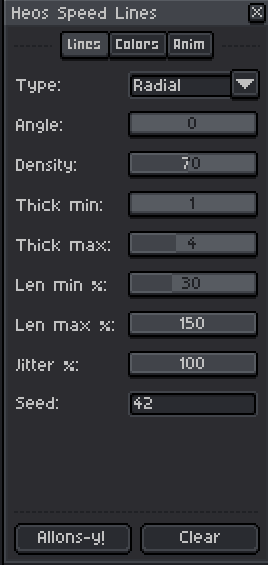
- Lots of controls: Density, min/max thickness, min/max length, jitter, angle (for parallel), seed, and more.
How to use it
- Open your sprite in Aseprite.
- Run the script (File > Scripts > Heos Speed Lines).
- Tweak the settings across the tabs: Lines, Colors, Anim.
- Click Allons-y! – the script creates/updates the speed line layer and (if animated) adds new frames.
- Hit Clear to delete the generated layer and any extra frames the script added. Your original art stays untouched.
The dialog stays open, so you can keep generating with new seeds or different settings without reopening it.
Animation controls
The Anim tab lets you animate any parameter over the generated frames. Each section works the same way: set a Target value and pick an Easing curve. The script interpolates from the Lines tab value toward the Target across all frames.
- Density – animate the line count. Target 0 with Ease out makes lines vanish; target 150 with Ease in makes them explode into view.
- Thickness – scales both min and max thickness from 1px up to their base values. Great for lines that grow fatter as they hit.
- Length min – animate the inner radius. Start at 0 and ease outward for lines that burst from the very center.
- Length max – animate the outer radius. Combine with Length min for lines that expand, contract, or pulse.
- Set any easing to Off to leave that parameter static — no target needed.
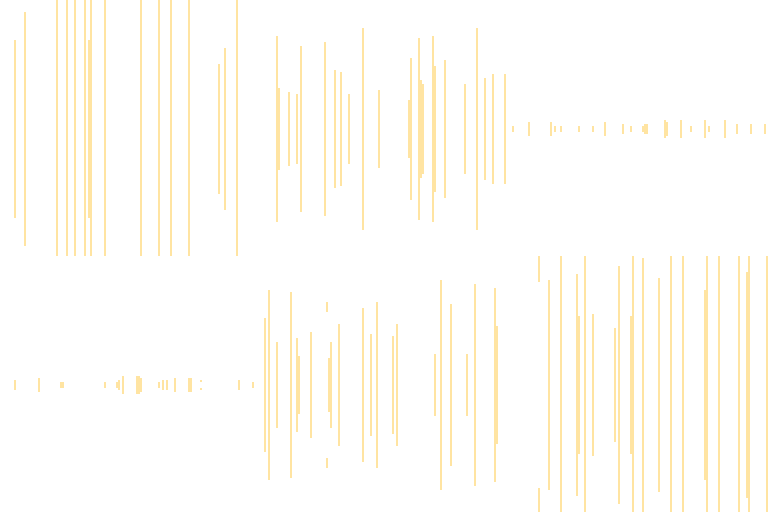
Examples:
A few things to keep in mind
- The script works with your current selection. If you have an active selection, speed lines will only appear inside it, and the origin point adjusts to the selection centroid.
- For parallel lines, the falloff affects the ends of each line (not the canvas center), which feels more natural for directional streaks.
- Every time you generate, the script automatically updates the seed field to a new random number—but you can also set your own seed if you want reproducible results.
Requirements
- Aseprite 1.3 or newer (tested on 1.3.x).
- Any OS where Aseprite runs (Windows, macOS, Linux).
- Just one
.luafile
Purchase
In order to download this tool you must purchase it at or above the minimum price of $1.99 USD. You will get access to the following files:
Leave a comment
Log in with itch.io to leave a comment.