Heos-Stand Planner – Design stands & displays in 3D
A downloadable tool
Version en español y en inglés incluidos.
Spanish and English versions included.
Plan your booths for trade shows, retail spaces, or events with this 3D visualization tool.
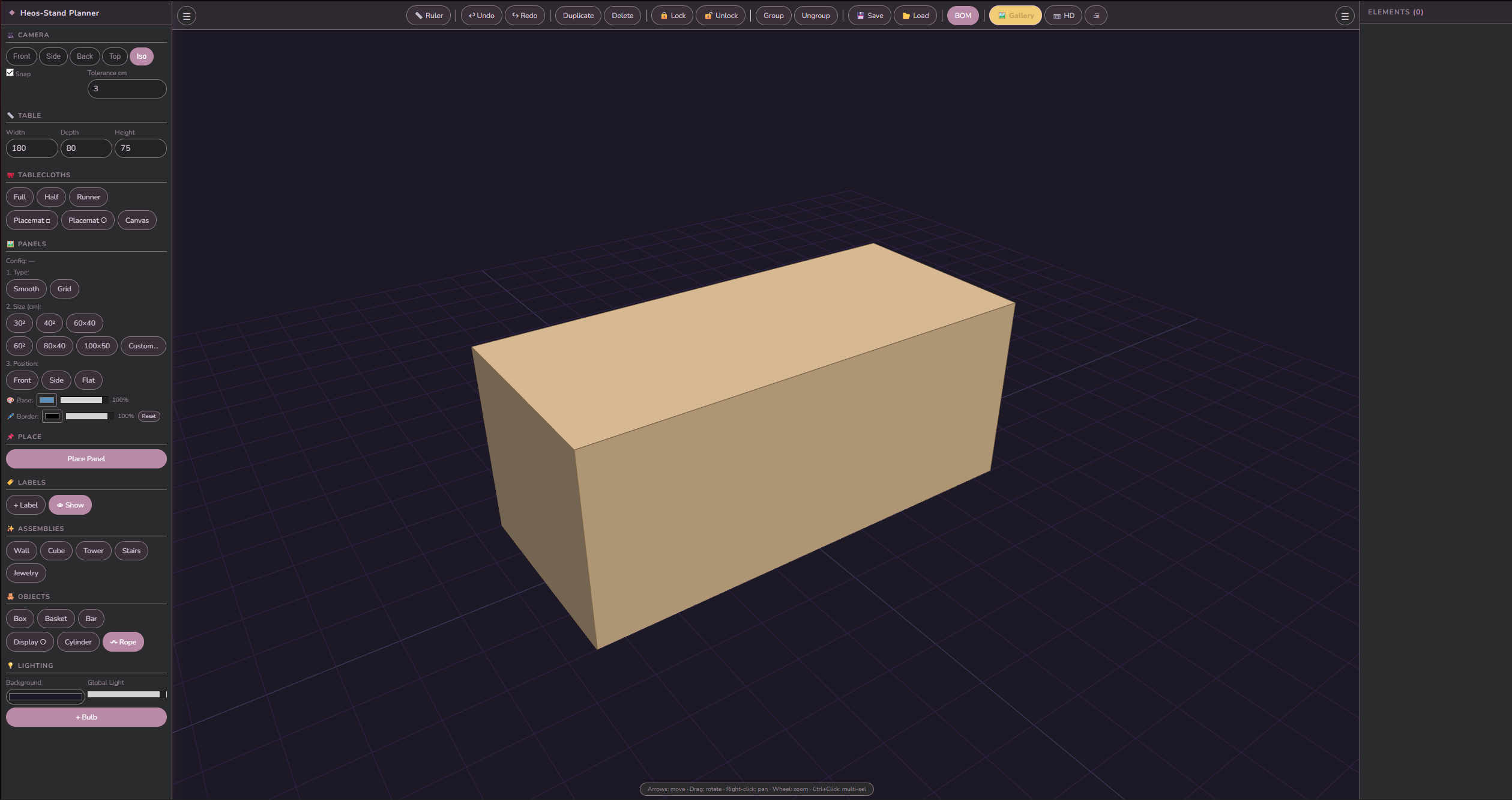
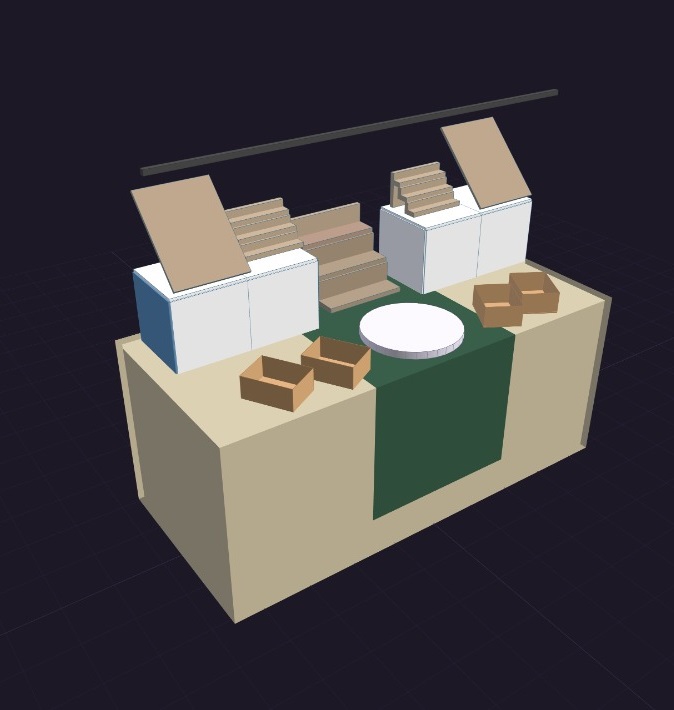
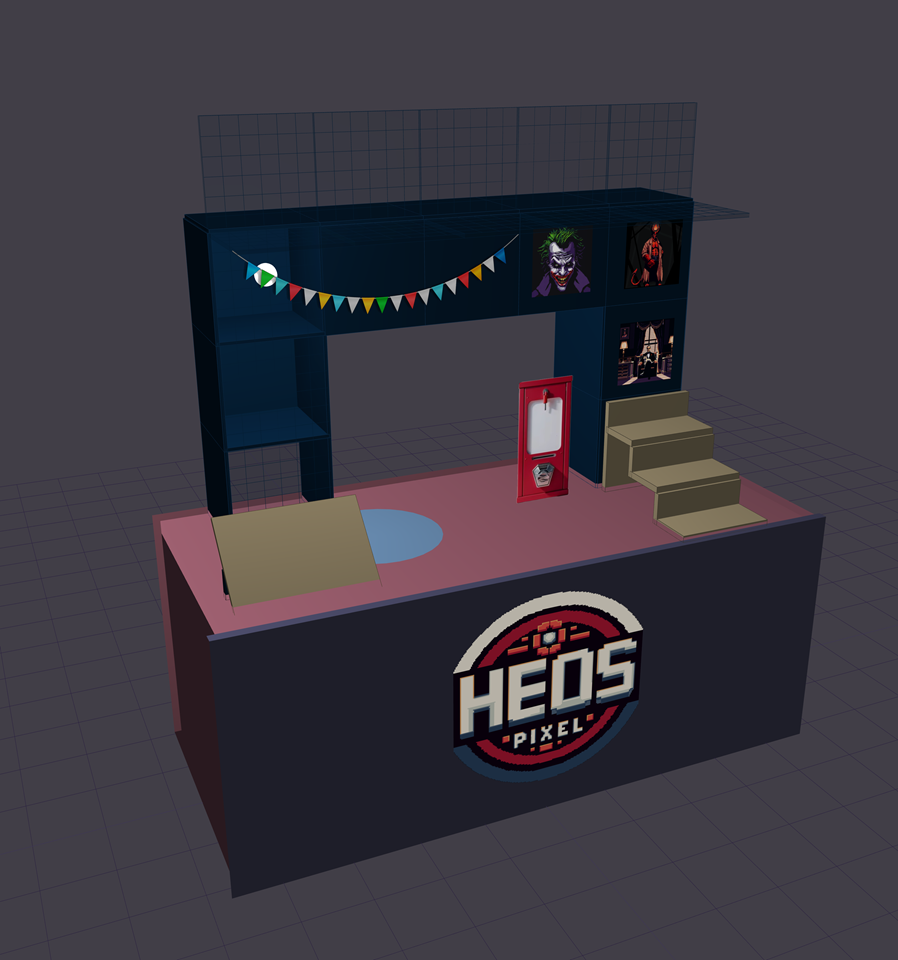
Heos-Stand Planner lets you create stands, panel walls, displays, stairs, cube towers and much more in an interactive 3D environment. Add tablecloths, baskets, bars, ropes, and even your own images (from an integrated gallery) to decorate panels. Generate bill of materials (BOM) and export HD screenshots or CSV lists.
Key features
- Adjustable main table (width, depth, height).
- Customizable panels: type (Smooth / Grid), size (30x30, 40x40, custom…), orientation (front, side, flat).
- Tablecloths: full, half, runner, square/round mat, front canvas.
- Auto‑generated structures:
- Panel wall (columns × rows)
- Cube / display case (option to remove back/bottom)
- Staircase of levels
- Cube tower
- Jewelry display (angled panel + base)
- 3D objects: box, basket, circular display, hollow cylinder, bar (square/round, horizontal/vertical/depth).
- Rope / cable tool: click start point, click end point – adjust sag visually.
- Ruler to measure distances in cm.
- Floating 3D labels to annotate elements.
- Image gallery: import your own textures (PNG/JPG) and apply them as custom panels.
Controls (mouse & keyboard)
| Action | Control |
|---|---|
| Rotate camera | Drag left mouse button |
| Pan (move) | Right mouse button + drag |
| Zoom | Mouse wheel |
| Select object | Left click |
| Multi‑select | Ctrl + Click |
| Move selected object | Arrow keys (←↑↓→) |
| Select all | Ctrl + A |
| Duplicate | Ctrl + D |
| Undo / Redo | Ctrl+Z / Ctrl+Y |
| Delete | Del / Delete |
| Exit current tool | Esc |
| Double‑click an object | Selects its whole group |
| Double‑click a group (in the list) | Selects all members of that group |
Tip: group objects (button “Agrupar”) to move and rotate them as a single unit. Groups are collapsible in the elements list.
Special tools
- Rope tool (〰 Rope): first click sets start point, second click sets end point – a hanging rope appears with adjustable sag.
- Ruler (📏): measure distance between two points on the scene.
- Snap (magnetic) : objects align with table edges or other objects (configurable tolerance).
- Lock / Unlock to prevent accidental edits.
- Label visibility toggle.
- Lighting: You can change the background color, adjust the overall lighting, or add bulbs in different colors.
Project management
- Save / Load as JSON file (embeds images as base64).
- BOM (Bill of Materials) : automatically generates a breakdown by category (assembly, product, important). Add notes and export to CSV.
- Export HD image (3x resolution) and print view.
Asset gallery
- Upload your images via “📁 + Import” button.
- Choose desired size (width/height in cm) when inserting.
- Images are stored in the project’s gallery.
- You can delete individual images or clear the whole gallery.
Purchase
In order to download this tool you must purchase it at or above the minimum price of $4.99 USD. You will get access to the following files:
Leave a comment
Log in with itch.io to leave a comment.