Heos Ticket
You can support me by downloading the premium version. The only difference is that, in the premium version, you can edit the header and footer of the ticket.
Create, decorate, and print unique tickets directly in your browser. This is a composition desk that turns your browser into a thermal ticket printer with an artisanal touch: every ticket comes out with its own wear, ink splatters, wrinkles, printhead streaks, and even paper‑roll‑end marks. Everything is visual, tactile, and requires no downloads—just HTML.
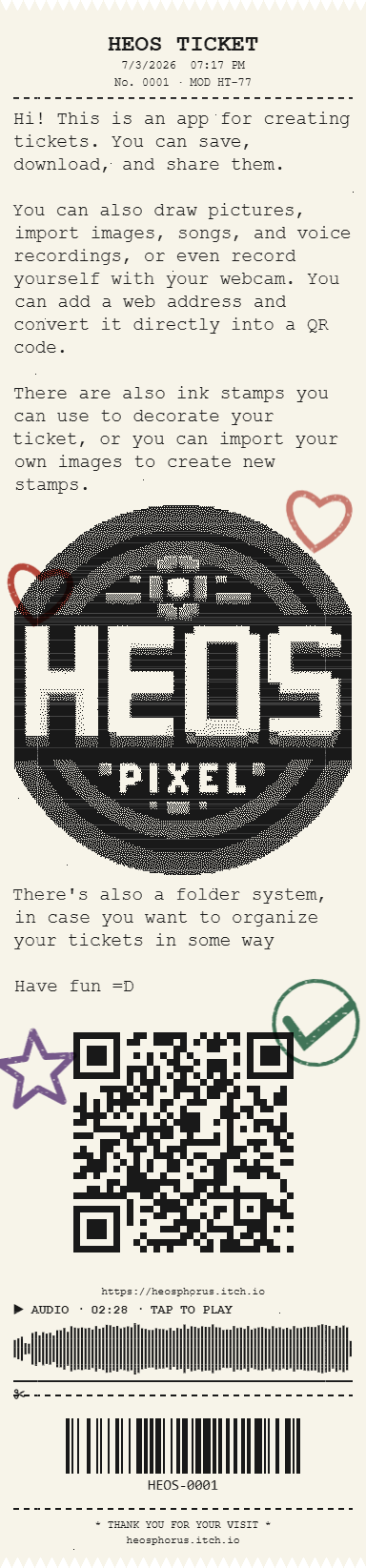
What you can do
- Compose your ticket from the workbench using blocks:
Text,Image(upload your own),Sketch(freehand drawing),Camera(webcam capture),Audio(record or upload — the ticket shows a waveform you can tap to play),QR(text or links),Barcode(CODE128), and a decorativeDivider. - Stamps and ink — Choose from several preset stamps (star, heart, paid, urgent, check, arrow, flower, smiley, copy, warning) or upload your own images to create custom stamps.
- Pick a stamp, press it onto an ink pad (red, blue, purple, or green), and then stamp directly onto any ticket.
- Ink fades as you use it—re‑ink for a stronger impression.
- Press
ESCto drop the stamp back.
- Folders — Drag tickets into color‑coded, editable folders. Click a folder to open it and pull tickets back out to the desk.
- Trash can — Drag a ticket to the bin; it crumples up and disappears with a satisfying sound effect.
Interactive tickets
- Drag to move tickets around the desk.
- Scroll to rotate them.
- Double‑click to straighten them out.
- If a ticket contains audio, click its waveform to play it back (a needle shows the progress).
- Hover over any ticket and you'll see a small
save ↓button in its lower‑right corner. Click it to download that ticket as a PNG image — this is the only way to save a ticket as a picture.
Save and load your workspace
Export your entire session—including custom stamps, folders, tickets, and their positions—as a .json file using Save .json. Later, use Load .json to restore everything exactly as you left it. Perfect for picking up where you stopped.
Print settings
- Dither: choose between Bayer, Floyd–Steinberg, Atkinson, or hard threshold.
- Burn: adjust contrast and ink saturation.
- Sound: toggle mechanical printer noises on or off.
Language
The interface is available in English and Spanish. Toggle instantly with the EN / ES button.
How to use
- Add blocks from the top bar.
- Customise each block (write, upload, draw, etc.).
- Hit the big
Allons-y!button to print. - Watch your ticket emerge from the printer slot, then land on the desk.
- Interact, stamp, organise, and save your favourites via the
save ↓button.
Every print is a small, imperfect work of art. Have fun experimenting, combining blocks, stamping your creations, and building your own ticket archive!
💬 Feedback & Support
I love seeing how you use Heos Ticket in your projects. If you have questions, ideas, or just want to share what you’ve made, feel free to leave a comment or reach out directly. It’s always great to see your work in action.

If you found this tool useful, taking a moment to leave a rating really helps. Thanks for the support. ❤️
Download
Click download now to get access to the following files:
Leave a comment
Log in with itch.io to leave a comment.