Heos Wind
A downloadable tool
Heos Wind is a Lua script for Aseprite that animates swaying or drifting motion based on a distance field from a painted anchor.
Perfect for grass, foliage, banners, cloth, or any organic movement, with presets for gentle breezes or strong gusts.
Examples
Original:
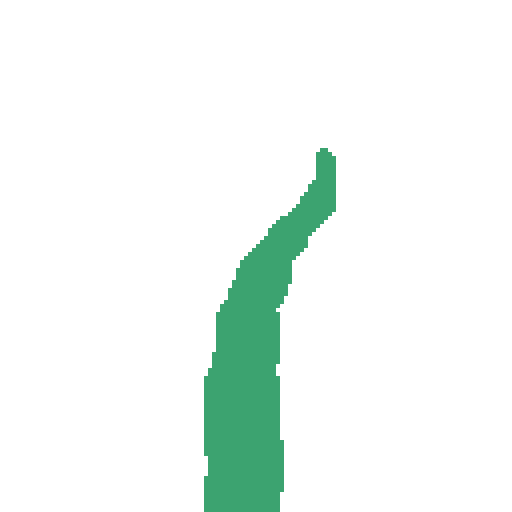
Results:
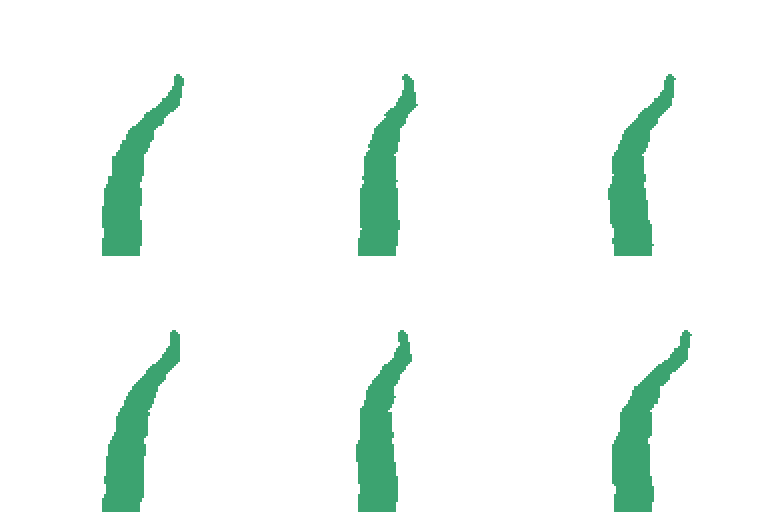
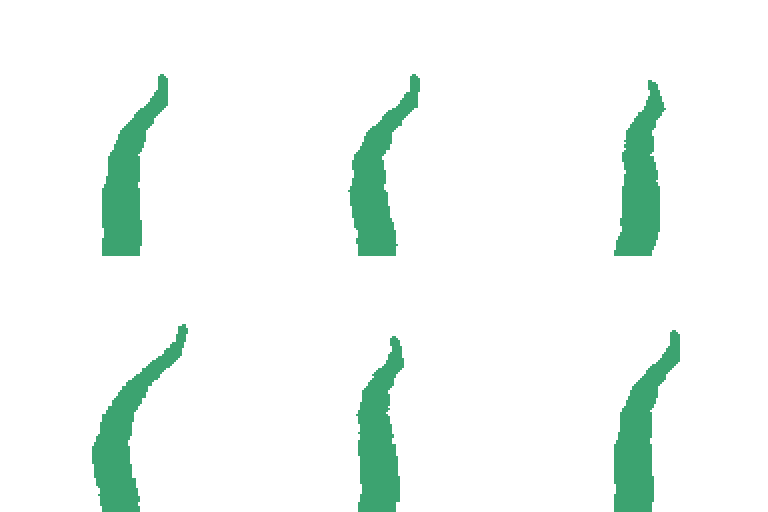

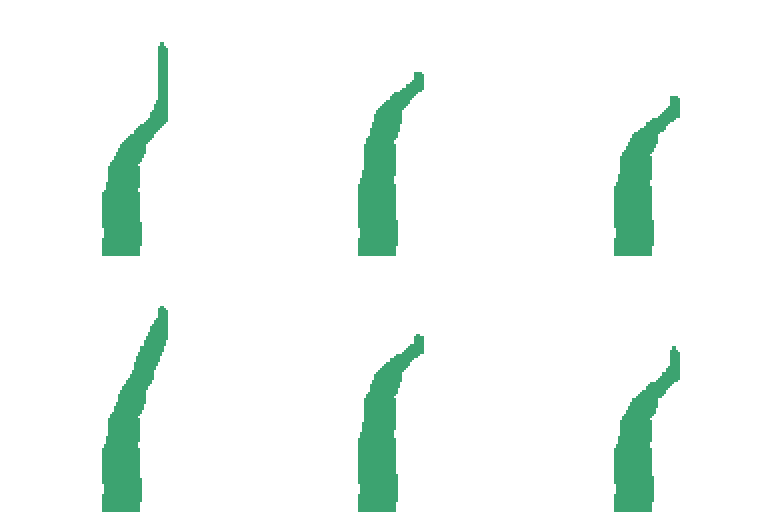
Anchor:
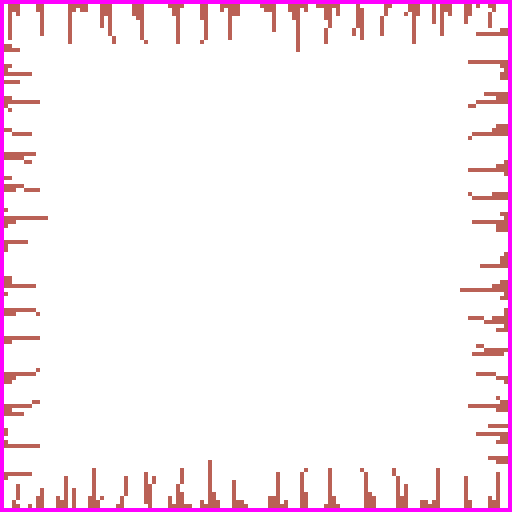
Result:
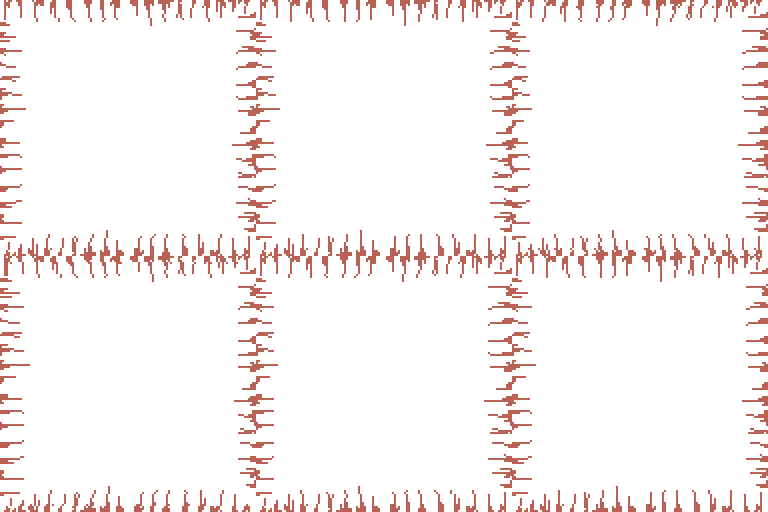
Without:
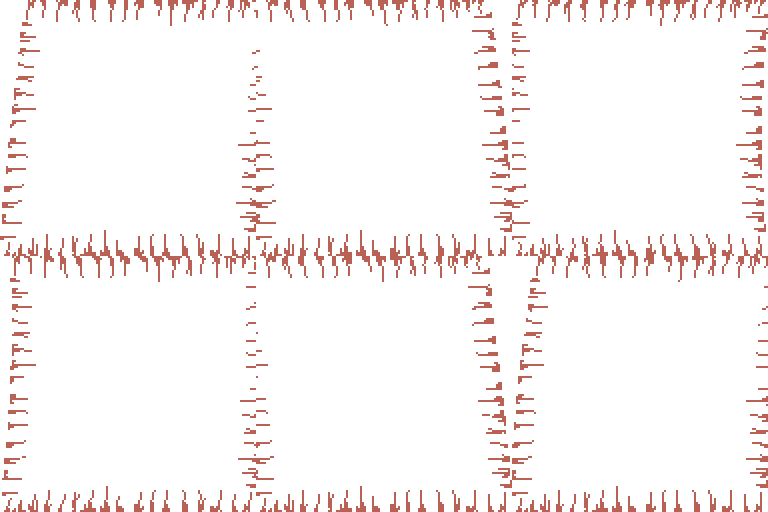
Precise anchor:
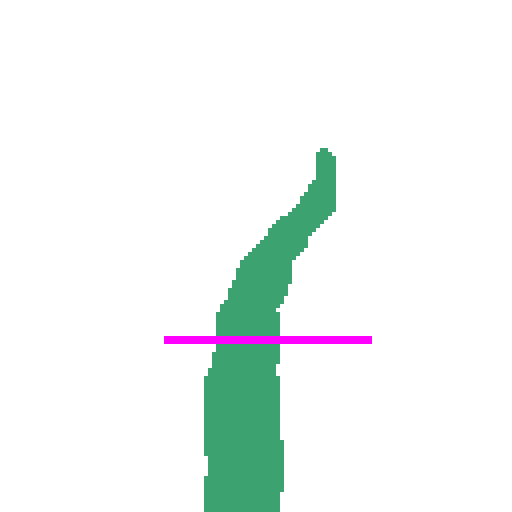
Result:
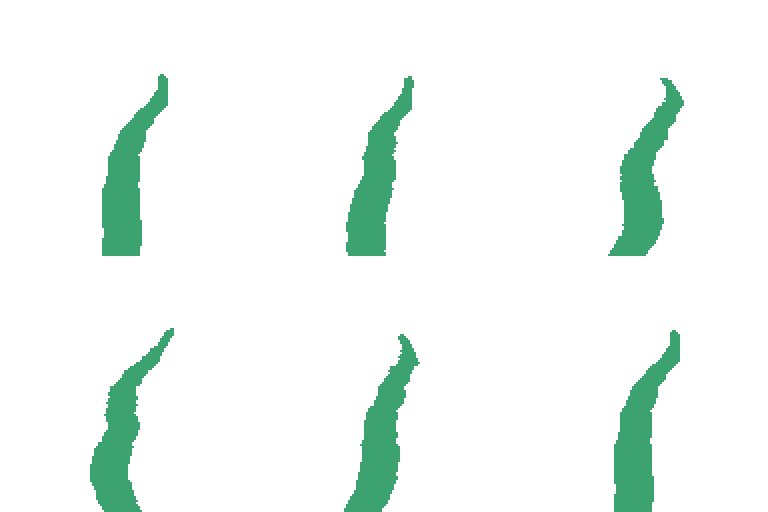
It only affects the visible layers:

Workflow
1. Prepare source art: Ensure your static drawing is on visible layers (excluding Heos_Anchor and Heos_Wind).
2. Optionally paint anchor: Press the Anchor button, then paint magenta pixels where the art should stay fixed. Multiple anchors create a blended distance field.
3. Choose a preset: Select from Grass, Foliage, Banner, Gentle breeze, Storm gust, or Blow away, or adjust Wind and Sway parameters manually.
4. Generate: Press Allons-y! to create the animation on the Heos_Wind layer.
5. Play: Source and anchor layers are hidden automatically; only Heos_Wind remains visible.
How Wind Works
Heos Wind builds a distance field from the anchor pixels. Pixels closer to the anchor remain nearly still, while pixels farther away move more, following the Bend falloff curve. The wind direction, intensity, and timing define the movement.
Spatially smooth: Neighboring pixels move together, avoiding tearing or jittery artifacts. Sway uses a traveling wave phase based on distance, while Carry drags art along the wind direction.
Distance field: Without an anchor, Sway roots at the bottom edge; Carry moves everything uniformly.
Regenerative output: The generated frames replace the Heos_Wind layer, and extra frames are trimmed or added as needed.
Wind Tab Parameters
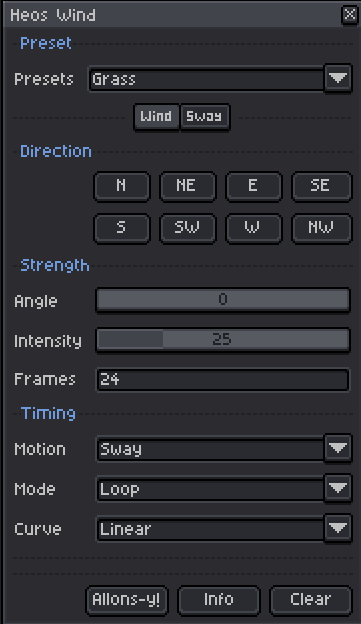
Angle: Wind direction in degrees (0=E, 90=N, 180=W, 270=S). Use the direction buttons or the slider.
Intensity: Overall motion strength, from 1 to 100. Controls sway amplitude or carry distance.
Frames: Number of frames in the animation, from 2 to 300.
Motion: Choose Sway (oscillates around anchor) or Carry off (drags art along wind).
Mode: Loop (seamless cycle) or Gust (builds and settles).
Curve: Easing of the gust ramp or hump (Linear, Ease-in, Ease-out, S-curve).
Sway Tab Parameters
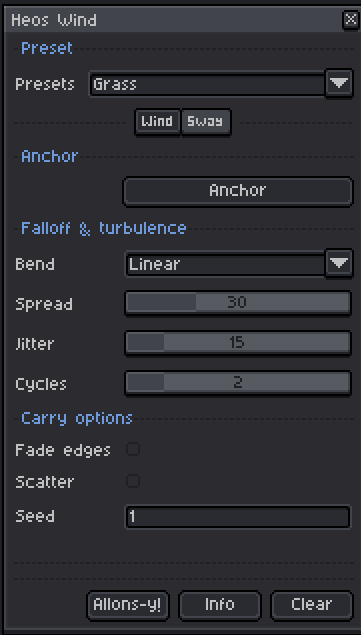
Anchor: Button to create/select the Heos_Anchor layer and set the foreground color to magenta. Paint anchor pixels directly.
Bend: Falloff of motion with distance to anchor (Linear, Ease-out, S-curve).
Spread: Phase variation along the distance field, from 0 to 100. Higher values create a whiplike wave from base to tip.
Jitter: Gentle secondary wobble (sway) or scatter (carry), from 0 to 100.
Cycles: Number of oscillation periods (sway) or wrap repetitions (carry loop), from 1 to 8.
Fade edges: When enabled, dissolves pixels near canvas edges to avoid hard cuts (mainly useful for Carry).
Scatter: Adds random displacement to each pixel during Carry, creating a drifting cloud effect.
Seed: Integer used to generate the pseudo-random pattern. Changing it varies the scatter or jitter; the value updates automatically on each generation.
Presets
The Preset dropdown instantly sets all parameters to a themed configuration. You can still tweak anything after applying. Available presets:
Grass: Light sway, medium spread, short cycles – natural grass movement.
Foliage: Softer, organic sway with more jitter and spread.
Banner: Stronger sway, tight jitter, clear wave – ideal for flags.
Gentle breeze: Low intensity, long frames, subtle motion.
Storm gust: High intensity, short gust, strong jitter.
Blow away: Carry motion with scattering, strong drag.
Compatibility
Requires Aseprite 1.3.x or later. Works in RGB mode only (indexed sprites are not supported because the script reads color channels).
Tips
For Sway, paint anchors along the base of the shape to keep roots fixed, and leave headroom in the wind direction so the motion doesn’t clip. Use a lower intensity for subtle effects. The Seed value changes on every generation; note a specific number if you want to reproduce a particular variation.
Feedback & Support
I love seeing how you use Heos Wind in your projects. If you have questions, ideas, or just want to share what you've made, feel free to leave a comment or reach out directly. It's always great to see your work in action.

If you found this tool useful, taking a moment to leave a rating really helps. Thanks for the support.
Purchase
In order to download this tool you must purchase it at or above the minimum price of $2.99 USD. You will get access to the following files:
Leave a comment
Log in with itch.io to leave a comment.