Isometric Guidelines (Remake)
A downloadable tool
This is a remastered version of the original Isometric Guidelines script created by Noesteryo.
The original script is a fantastic tool for generating isometric guidelines in Aseprite, and I wanted to adapt it to my workflow by adding some new features.
What does the script do?
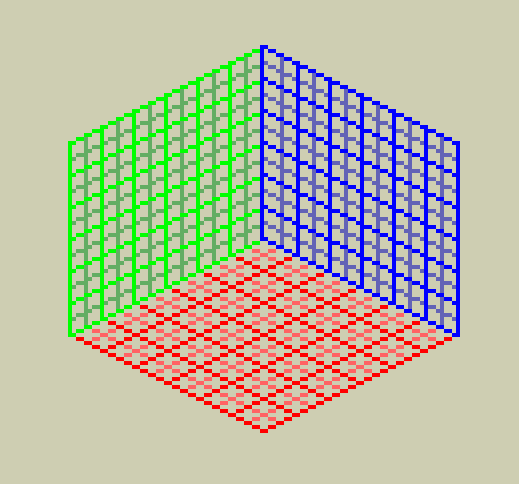
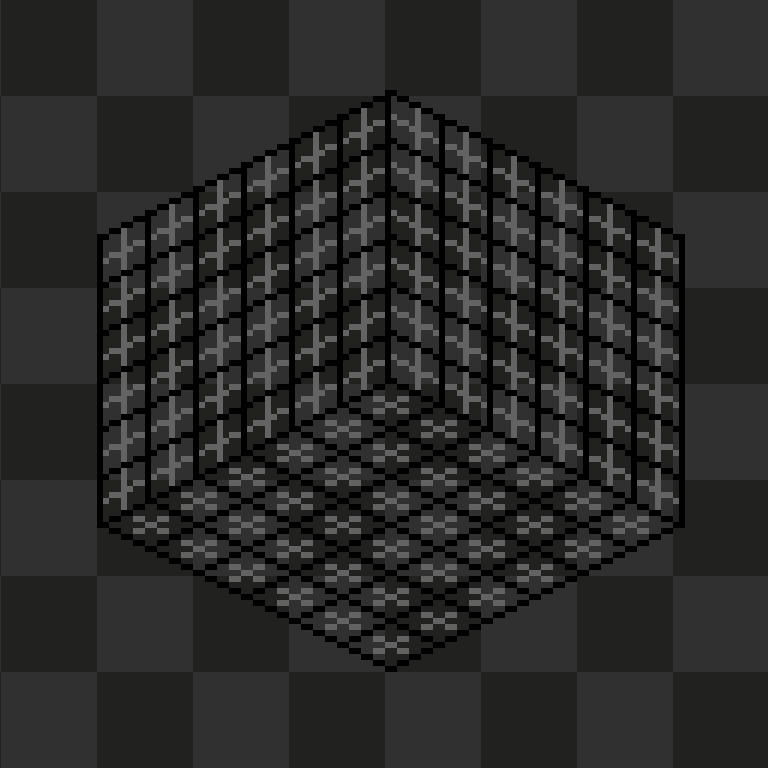
It generates an isometric grid with a floor and walls (left and/or right) on separate layers, now including a secondary grid that marks the centers of the cells, ideal for placing objects or as a depth reference.
New features:
Works on the current canvas: it no longer creates a new sprite each time, but instead draws the guides directly onto the file you have open. If there isn’t one, it creates a new one with the appropriate size.
Separate layers: the floor, left wall, and right wall are each drawn on their own layer. This way, you can easily hide, lock, or delete them without affecting your artwork.
Secondary grid: A second grid (gray by default) is drawn that runs through the center of each cell, on both the floor and the walls. You can enable/disable it with a button before generating the grid.
Line weight: The original script already used the line tool's weight to draw the grid. Now you can control it from the UI
“Clear” button: Removes all guide layers at once, leaving the canvas clean.
“Full Canvas” Option: Automatically adjusts the floor size so that the guides occupy the entire width and height of the current sprite.
Color pickers added: A color picker has been added for the secondary grid.
Parameter validation: Prevents out-of-range values that could cause errors.
Correction to wall drawing: Prevents the center line from being duplicated.
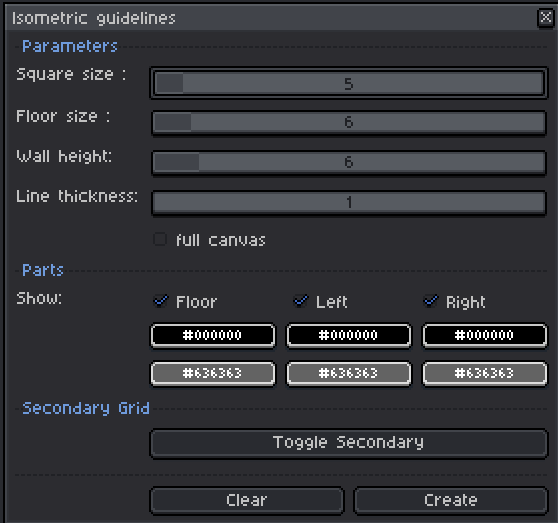
Dialog controls:
Square size: Size of each cell in pixels (minimum 2).
Floor size: Number of floor cells.
Wall height: Height of the walls (in cells).
Line Thickness: Control the thickness of the grid lines
Full canvas: Automatically adjusts the floor size to fill the canvas.
“Show” checkboxes: Enable or disable the floor and each wall.
Primary colors: For the main grid.
Secondary colors: for the center grid. The “Toggle Secondary” button changes the color to transparent to prevent the secondary grid from being generated.
Clear: removes all guide layers.
Create: generates the guides with the current settings.
Credits:
Original: Noesteryo – thank you for sharing your work!
Download
Click download now to get access to the following files:
Leave a comment
Log in with itch.io to leave a comment.