
Junk Drawer
A downloadable tool
A collection of experimental, free scripts for Aseprite that were never officially released. They work, do interesting things, and can save you time or give you some ideas, but I don’t think they’re interesting enough to warrant their own post. Some of them are quite old, and rather than just letting them sit there unused, I’d rather release them.
Each script has its own built-in help (the “Info” button in its dialog box) that explains its parameters and how it works. If you find any of them useful or have suggestions for improving them, I’d love to hear from you.
This project is a work in progress. I often test ideas that lead to more fully developed ones; if I end up creating scripts that I don’t consider interesting enough, they’ll end up here.
What's inside
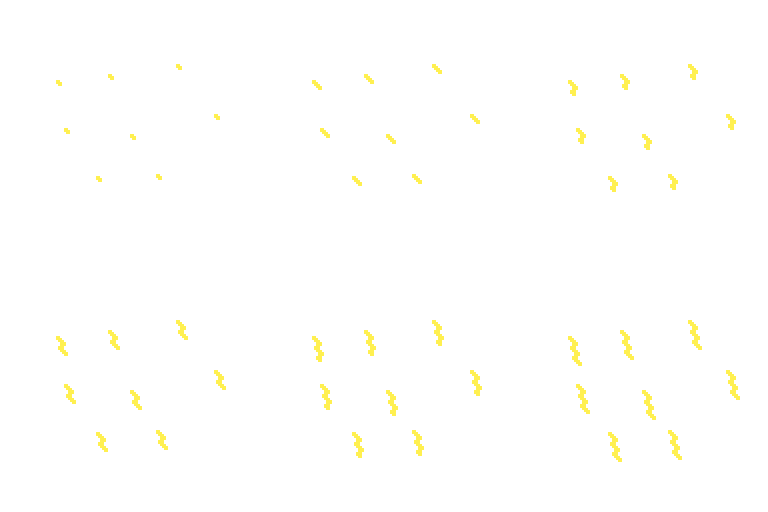
Heos Formula: paint magenta seeds and apply a direction formula (8 compass directions with repeat counts) to draw paths. Wraps around canvas edges.
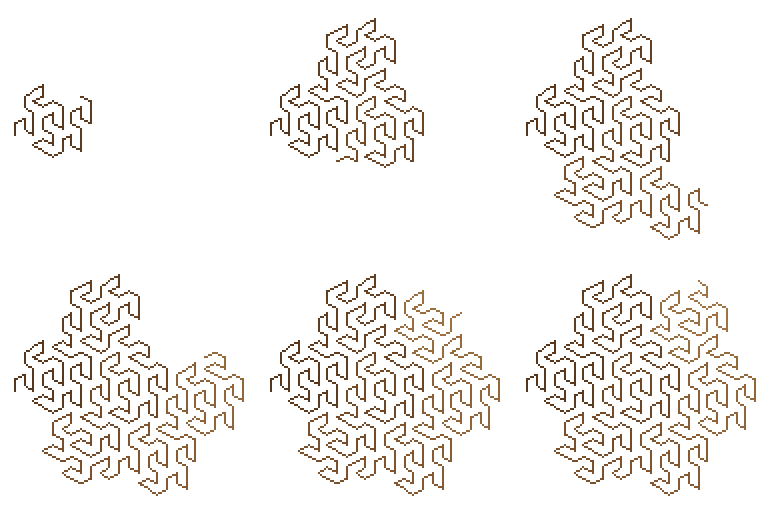
Heos Fractal: procedural L‑system generator for plants, curves and tiles. Includes dozens of presets and a custom grammar editor.
Heos Gap: adjusts the gap between all shapes on a layer (inflate, move, deform). Needs the "Max gap" slider turned up to see an effect.
Heos Liquid: fills a selection with liquid using a heightfield simulation. Supports filling, sloshing, draining, waves, drops and smoke-like spray.
Heos Solid: renders 3D primitives (sphere, cube, cylinder, cone, pyramid, torus, gem, capsule) with custom shading bands, shadow, outline and turntable / light orbit animation.
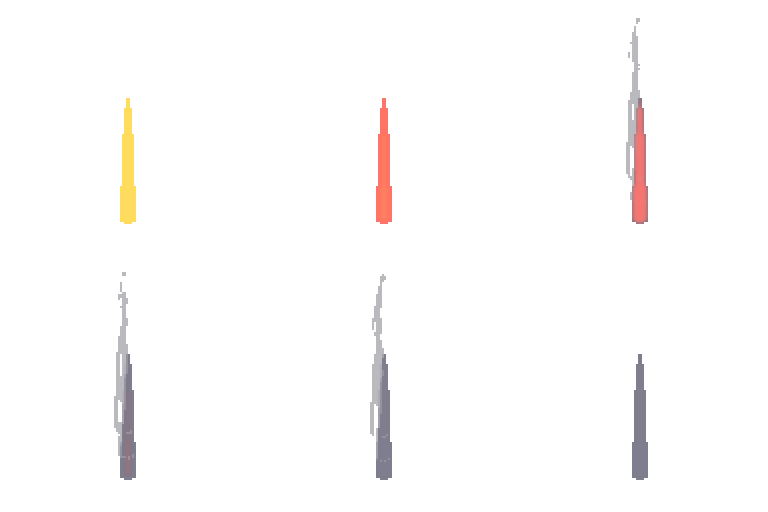
Heos Temper: animates a cooling metal effect (red‑hot to original colour) with an optional wisp of smoke. Customisable glow colours and smoke behaviour.
Heos Mask: flattens all visible layers (except the mask), clips the result to the mask's alpha shape, and optionally blends the mask's colour over it. Choose from Clip (cuts only, preserving source colours), Normal, Multiply, Screen, Overlay, or Add. The mask layer's opacity controls the blend strength.
Some examples:
Formula /Fractal
Gap/Liquid


Solid/Temper

Workflow
1. Open your sprite: all scripts work on the current sprite in RGB mode.
2. Run the script: from Aseprite's File > Scripts > Open Script or via the Scripts menu.
3. Adjust the controls: each script has its own dialog with sliders, checkboxes and colour pickers.
4. Press "Allons‑y!": the script generates its output (usually on a dedicated layer like Heos_*).
5. Clear: use the Clear button in each dialog to remove the generated layers and extra frames.
Tips
The scripts are free and experimental. If a script doesn't behave as expected, check the built‑in Info panel — it often explains the intended workflow and parameters.
For Heos Gap, start with Max gap set to at least 30 and Target gap lower than the current gaps between your shapes.
For Heos Liquid, remember that the selection defines the container and the active layer defines the liquid volume (opaque pixels).
All scripts work with RGB sprites only.
Compatibility
Requires Aseprite 1.3.x or later. Most scripts work best in RGB color mode.
The scripts are provided “as is,” with no guarantee that they will work without errors. (They shouldn't have any errors, but they may not be as polished as you'd like.)
Feedback & Support
I love seeing how you use these scripts in your projects. If you have questions, ideas, or just want to share what you've made, feel free to leave a comment or reach out directly. It's always great to see your work in action.

If you found this collection useful, taking a moment to leave a rating really helps. Thanks for the support.
Download
Click download now to get access to the following files:

Comments
Log in with itch.io to leave a comment.
Absolutely wild that these are "Junk" when some of them are more useful than paid for Aseprite scripts I've seen(which are still very cool!)
Thanks! I think the scripts are cool, but I couldn't think of any ways to use them to create pixel art easily. Still, I like them, which is why I shared them.