Tree Factory
A downloadable tool
Tree Factory – Procedural Pixel Art Tree Generator
Description
Tree Factory is a script for Aseprite 1.3.x that procedurally generates pixel art tree bases with full control over every aspect. From simple, minimalist trees to complex and organic compositions, it allows you to create a wide variety of trees with just a few clicks.
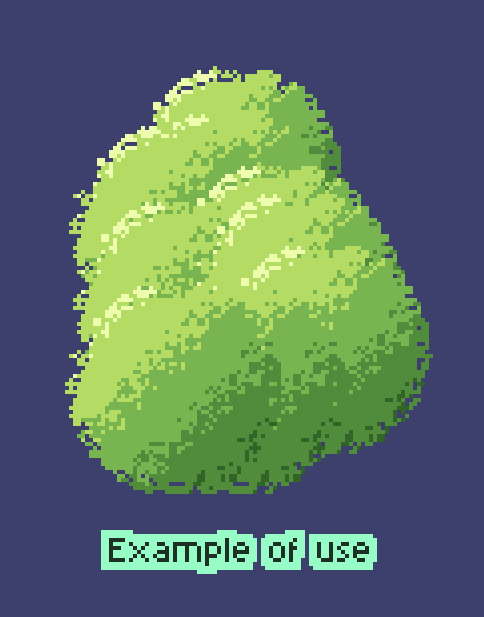
The core idea is to generate shapes until you find one you like. That shape will become the “seed” (yes, really 🌱) for your tree. The next step is to select it and press Ctrl+B, which will create a custom brush so you can comfortably draw your tree.
Main Features
🎨 Dual Profile System
The script includes two generation systems:
-
Simple (Directional Light): Trees with directional lighting, suitable for flat and stylized looks. Includes predefined profiles such as fluffy, round, pointed, wide, irregular, compact, spread, oval, radiant, and crisp.
-
Complex (Radial Light): Trees with radial lighting from the center, ideal for more organic shapes. Includes profiles like lush, clustered, tight, loose, vertical, horizontal, chaotic, spiral, layered, and organic.
-
Custom Profiles: Both systems include “rnd” buttons that generate unique random shapes following the simple or complex system. Every click gives you a brand-new tree.
🔷 Geometric Shapes
Choose from multiple base shapes:
-
Simple Shapes (Simple profiles): circle, square, triangle
-
Complex Shapes (Complex profiles): circle, square, triangle, diamond, pentagon, hexagon, octagon, star, cross, heart
Shapes preserve their structure without distortion, allowing styles ranging from geometric to organic.
🎨 Advanced Color System
-
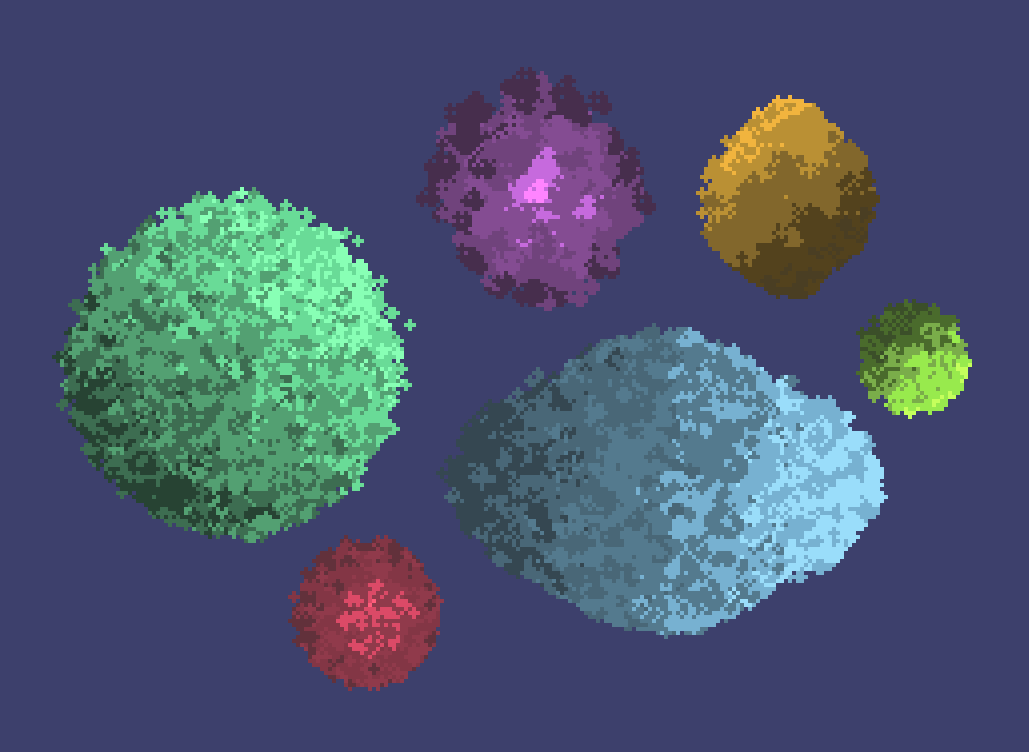
20+ Palette Presets: Includes thematic and seasonal palettes such as Default Green, Autumn, Cherry Blossom, Ocean, Fire, Ice, Spring, Summer, Winter, Tropical, Desert, Neon, Midnight, Vibrant Green, and more.
-
Custom Palette: Manually edit the 5 colors (Brightest, Light, Medium Light, Medium Dark, Dark) or use the Random button to generate new palettes.
-
Percentage Control: Each color has its own percentage slider (0–100%) controlling how much it appears in the tree. Percentages auto-balance to always total 100%.
-
Color Spread: Controls how much colors blend. Low values create sharper cuts; higher values allow smoother transitions.
⚙️ Advanced Options
-
Size: Tree size (10–100 pixels)
-
Cluster Style: Particle grouping style (compact, loose, dense, sparse, linear, dotty, blobby)
-
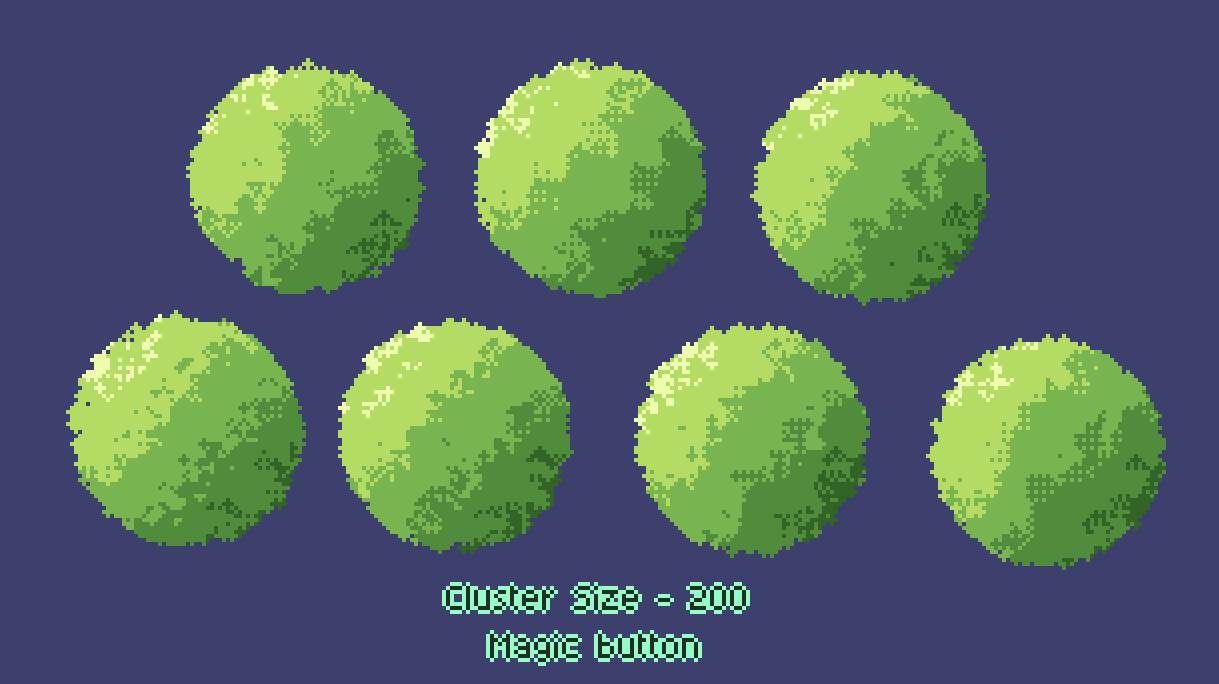
Cluster Size: Cluster size (50–300). Includes a “Magic!” button that sets the value to 200, producing a specific look I personally love.
-
Density: Particle density (25–200)
-
Noise: Amount of noise/blending (25–200)
-
Center Density: Controls density by area. Values >100 make the center denser; values <100 make edges denser (0–200)
-
Color Size Variation: Brighter colors can use larger particles to add depth (0–100)
-
Rotation Angle: Lighting rotation angle (0–360°)
🎲 Extra Features
-
Seed System: Reproduce the same tree using a seed. Includes a Change button to generate a new random seed.
-
Smart Defaults: Each profile applies optimized default values when selected, fully adjustable afterward.
-
Random Button: Randomizes all parameters (profile, palette, shapes, colors, percentages, size, etc.) to discover unexpected combinations.
-
Reset Button: Restores all values to their default settings.
📑 Organized Interface
The interface is divided into three tabs:
-
Shape: Size controls, geometric shape, Simple/Complex profiles, and seed
-
Advanced: All advanced generation options
-
Colors: Full palette and color system
Main buttons (Random, Reset, Generate) are always visible outside the tabs for quick access.
-----------------------------------------------------------------------------------------
Changelog
Minor correction to the color percentage sliders. They did not add up correctly to 100% (it seems I don't know math) and the compensation between them was awkward.
Download
Click download now to get access to the following files:
Comments
Log in with itch.io to leave a comment.
This is so interesting. They kinda look like spraypaint trees though. Have you tried making like a round bubbly tree with shading and leaves with the tool yet?
Procedural generation always leaves that spray-painted aftertaste, but I've tried to include quite a few options so you can customize the leaves. I feel like complex shapes give a less spray-painted result, but there are many possibilities (right now I'm struggling to try to add logs to the script, so it can be a real tree factory XD). If you decide to try it, please share the results you achieve.